







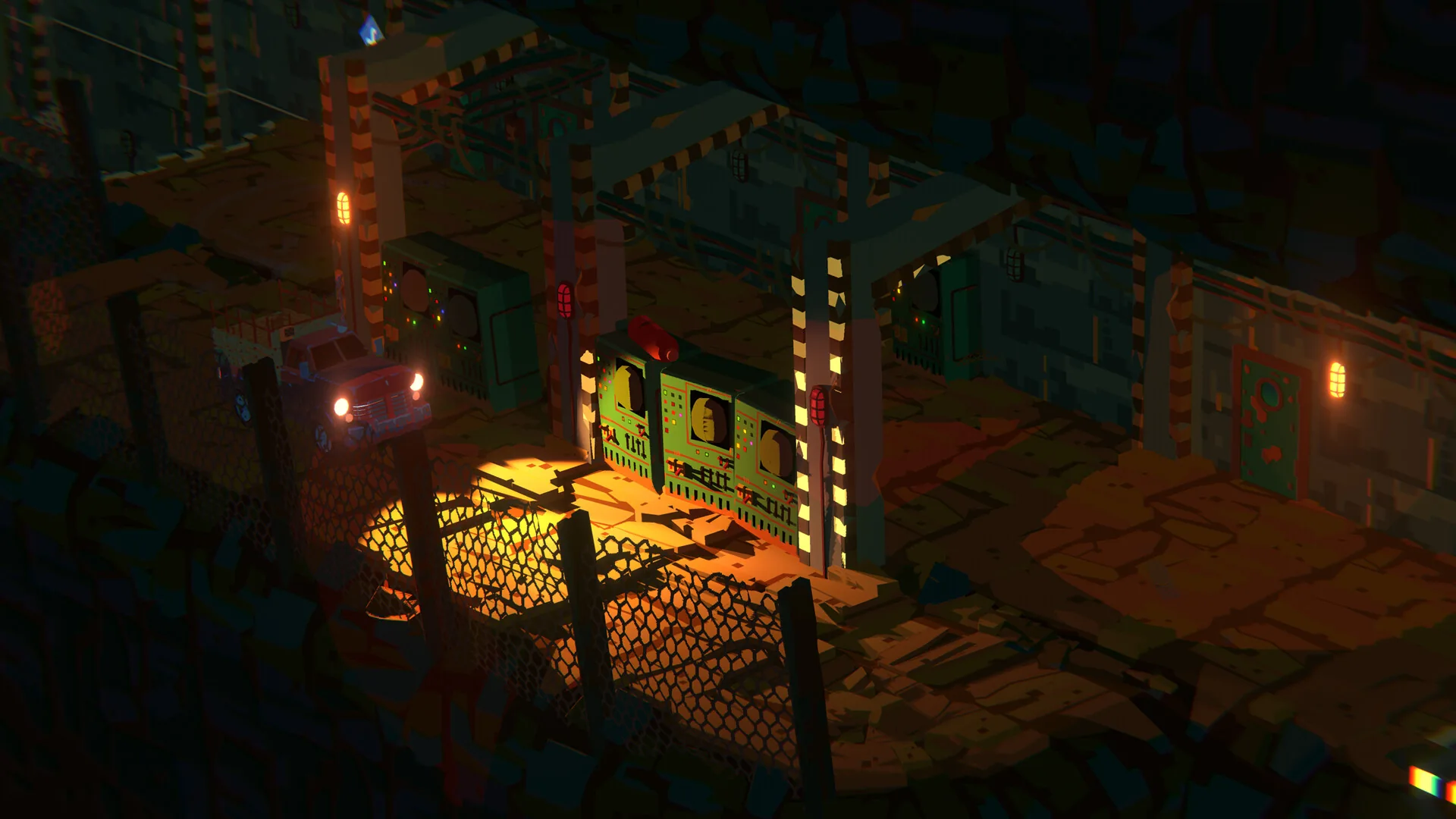


Have one friend enter the target server and create a squad, then try Steam’s Join Game action on that friend. After loading, confirm the server, faction and squad before spending on a kit.
Before you start
- Your friend visible in Steam and already in a WARDOGS server.
- The intended server, faction and squad agreed between you.
- An available microphone and a chosen voice channel.
Use the Steam friend route
Players in the squad discussion report that joining through Steam places them with an existing friend’s team and squad, including locked squads. Treat that as a reported shortcut, not a promise of reserved faction space.
- Let one player join the intended server and create the squad.
- Find that player in Steam Friends and use Join Game.
- After loading, compare the displayed server and faction.
- Check squad membership with the leader before deploying.
Sources and verification
- Player reports: Joining a friend through Steam ↗
Review date. Beta replies describe joining a server and squad through an existing Steam friend. No guarantee of space on a full faction.
- Player report: Daily WARDOGS tips #10 ↗
Launch-period community tips; not independently reproduced by Kingy.
Source review establishes what a source says. Kingy has not independently reproduced these mechanics in the current game. Community observations retain their original build context.
Check the channel and binding
The beta voice discussion describes separate squad and proximity controls. Its V and B examples were that player’s custom bindings. Use the actions listed in your own menu.
Proximity voice can be heard locally; avoid assuming a nearby enemy cannot hear the conversation.
- Check which input device is selected and whether the microphone is muted.
- Read the assigned push-to-talk action for the intended channel.
- Test with a nearby teammate, then separately with a squad member.
- Confirm that the visible communication state changes when transmitting.
Sources and verification
- Player discussion: Squad and proximity voice issues ↗
Dated beta report. Describes separate squad and proximity bindings. Example keys are custom, not documented defaults; some recovery suggestions failed during an outage.
- WARDOGS on Steam ↗
Official description: objective, starting cash, persistence, Hot Zone and systems.
- BULKHEAD: Pre-Load Live & Season 1 Changelog ↗
Launch changes to vendor prices, progression tracks and XP; not a complete item database.
Source review establishes what a source says. Kingy has not independently reproduced these mechanics in the current game. Community observations retain their original build context.
When joining or voice fails
Season 1 addresses voice remaining broken after failed joins and adds a visible communication status. Update the client before diagnosing behavior from beta reports.
If the faction is full or the server differs, stop the deployment purchase and regroup with your friends. Record the visible error and whether the failure occurs before server entry, during faction selection or only in voice. That distinction makes a support report useful.
Sources and verification
- BULKHEAD: Pre-Load Live & Season 1 Changelog ↗
Launch changes to vendor prices, progression tracks and XP; not a complete item database.
Source review establishes what a source says. Kingy has not independently reproduced these mechanics in the current game. Community observations retain their original build context.
Common problems
- Do not assume Steam joining reserves a place on a full faction.
- Being on the same server does not prove you are in the same squad.
- A complete launch invite-menu flow, squad-size limit and proven voice-outage recovery are still undocumented here.
Keep reading
Sources and verification
- Player reports: Joining a friend through Steam ↗
Review date. Beta replies describe joining a server and squad through an existing Steam friend. No guarantee of space on a full faction.
- Player report: Daily WARDOGS tips #10 ↗
Launch-period community tips; not independently reproduced by Kingy.
- Player discussion: Squad and proximity voice issues ↗
Dated beta report. Describes separate squad and proximity bindings. Example keys are custom, not documented defaults; some recovery suggestions failed during an outage.
- WARDOGS on Steam ↗
Official description: objective, starting cash, persistence, Hot Zone and systems.
- BULKHEAD: Pre-Load Live & Season 1 Changelog ↗
Launch changes to vendor prices, progression tracks and XP; not a complete item database.
Source review establishes what a source says. Kingy has not independently reproduced these mechanics in the current game. Community observations retain their original build context.