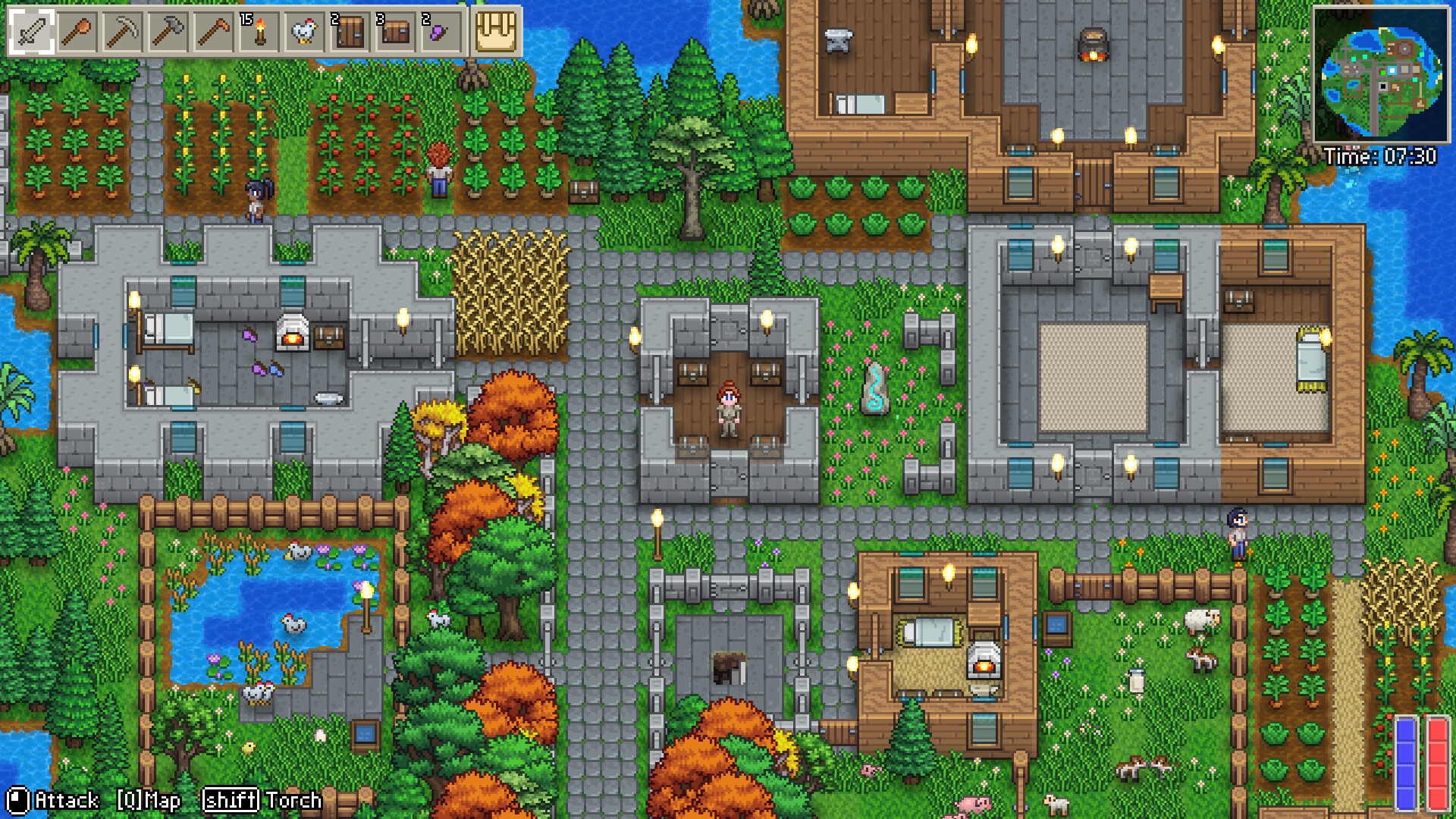
Early Access Kingy field guide
Delverium
Bring the right character into a new world.
Move from the demo without confusing character and world saves, choose a co-op setup, and see what Early Access adds.
Official game imagery · Credits & sources
- Released
- September 21, 2026 PDT
- Demo transfer
- Characters only; new world needed
Steam Early Access · released September 21, 2026 PDT · update v0.1.0.1 checked September 24
Checked 2026-09-22 · Evidence & coverage ↗The next useful answer
Start here.
Delverium: stop the repeated Controller Detected popup
Use Sagestone's Windows settings-file workaround for the repeated controller prompt in Early Access build 25477537 or later.
Read the guide 02Crafting and storageDelverium: how close must a chest be for crafting?
Check the 10-tile chest range added in update v0.1.0.1 when nearby materials are not available.
Read the guide 03Saves and starting overDelverium demo saves: import a character, start a new world
First-launch character import and Sagestone's manual recovery path when the one-time prompt was skipped.
Read the guide 04Co-opDelverium co-op: local, online and mixed sessions
Choose between four-player split screen and up to eight-player online co-op, with demo and full-game scope kept separate.
Read the guide 05Start hereDelverium Early Access: what is playable after the demo?
Release timing, new content, the current underground-building limit and roadmap features still planned.
Read the guideExplore the field guide
Follow your question.
6 guides · 10 reference records
Chapter 01
Building and farming
Delverium animal pen size: why a 20×28 pen failsChapter 02
Controls and settings
Delverium: stop the repeated Controller Detected popupChapter 03
Crafting and storage
Delverium: how close must a chest be for crafting?Chapter 04
Saves and starting over
Delverium demo saves: import a character, start a new worldChapter 05
Co-op
Delverium co-op: local, online and mixed sessionsChapter 06
Start here
Delverium Early Access: what is playable after the demo?Your next session
A good note is a way back.
Save a checklist and keep your own observations. Your notes stay in this browser, separate from the game’s save.
Open your field notes →Keep the details close
From a name to its source.
Browse named tools, characters, places and systems. Each record connects to a guide and its evidence.
Explore the reference →