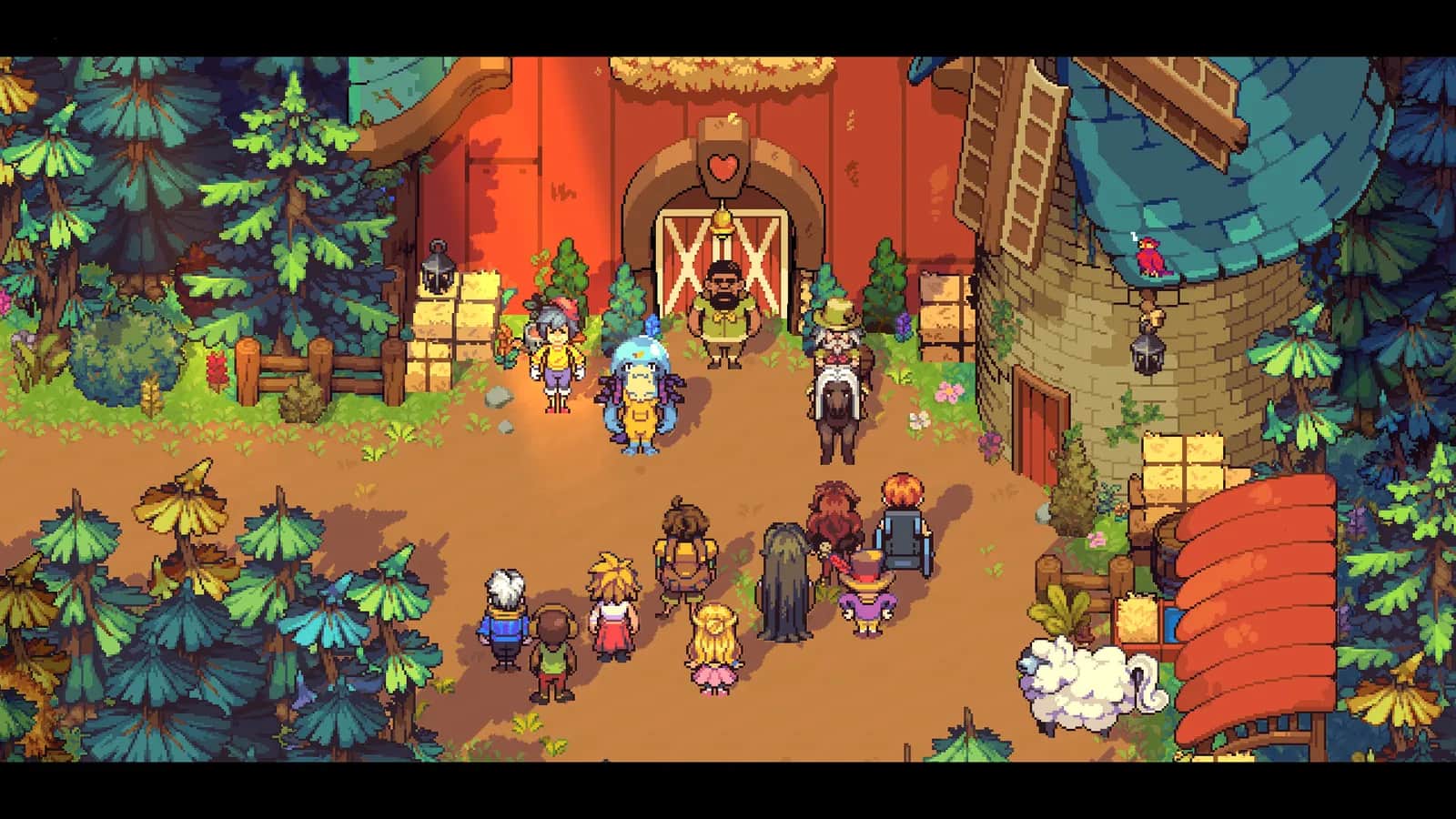
Farming Camp · Demo journey
Assign your first team day
Use the team board in the shared room when its tutorial starts. Select a morning teammate and chore, choose the farming seeds, then set a different chore for the afternoon. The demo example assigns Rey to farming and Mike to animal care. The helper separately covers a Switch 1 v1.0.2 example.
Demo footage · May 4, 2026 upload · exact build unknown
Official release announcements checked 2026-10-23. Existing demo footage review retained.
Stuck on a team assignment?
Check the first demo tutorial or the recorded Switch 1 v1.0.2 example. Other versions and later-day rules need separate verification.
Switch example and evidence limits
Switch 1 v1.0.2 · Day 2 tutorial · launch review footage. Handheld Players identifies the version, docked mode and a supplied review key. Public September 24, 2026; members first September 23. This is footage review, not Kingy hands-on testing or verification of every current retail build.
At 16:52, Mike’s morning Farming blocks Rey’s afternoon Farming. The player chooses Rey’s Maintenance at 16:57; the planner is closed by 17:02. Watch Handheld Players’ Switch example ↗
Watch 55 seconds
Choose chores and finish the first team schedule
Watch Rey’s farming assignment, the seed choices, the blocked repeat chore, and Mike’s animal-care assignment through the setup confirmation.
By The Cozy Gaming Club · 24:49–25:44
The YouTube player loads when you press Watch.
Follow the route
Before you start: The team-board tutorial on the second morning. Follow the introduction from your teammates before using the board.
Use the team board
Interact with the calendar-style board on the wall of the shared room. The tutorial opens a planner with Morning and Afternoon panels.
Choose the morning teammate and Farming
Select the teammate for the morning, then choose Farming. The demonstrated assignment uses Rey. This is an example, not a tested best team.
Choose the seeds
Select the crops for fields A, B, and C in that order, then confirm. The tutorial says these choices apply when the fields are empty.
Set a different afternoon chore
In the recording, Farming is blocked in the afternoon because it is already assigned in the morning. Mike’s Animal Care option is available; selecting it and confirming completes the setup.
Check that setup completed
The planner closes and Rey confirms that everything is set up. Later in the same recording, the journal’s map shows Rey on Farming in the morning and Mike on Animal Care in the afternoon.
You’re done when: The first schedule is confirmed, with separate morning and afternoon assignments.
Sources, version, and limits
Video visually reviewed 2026-09-19. Source upload: 2026-05-04. Review is of recorded gameplay, not hands-on testing.
Putting My Farming Game Skills to the Test! 🌱 Farming Camp Demo Gameplay ↗
Visually inspected 24:51 (Morning teammate selection), 25:11 (three-seed picker), 25:16 and 25:21 (Farming blocked in afternoon), 25:31 (Mike and Animal Care), and 25:41 (Rey’s setup confirmation). Played the interval in the original player. Separately inspected journal assignments at 26:31. On-screen name is Rey; auto-captions incorrectly say Ray in places.
- The recording is a demo uploaded May 4, 2026. No exact build number was visible in the reviewed material.
- The example demonstrates a valid tutorial schedule, not the highest-scoring routine or a crop ranking.
- Point payouts, current-release compatibility, and changing a confirmed schedule have not been verified.
Independent creator source; no partnership or claimed profile. The original YouTube player and channel remain credited. No permission to copy or redistribute the footage is claimed.