The latest documented patch is October 23: PS5 01.018.000 and Xbox Series/PC 1.0.1.8. Section 9 reports fixes for scanned doors losing map state, indestructible crates and lost vault-chest Suit Mods. The older F1 bridge and Power Cell 3 fixes remain separately dated; Kingy has not tested an affected save.
Section 9 lists PS5 01.018.000 and Xbox Series/PC 1.0.1.8. The map should open in Local View rather than sometimes Global View, and additional scanned doors should retain their scanned state. A Lower Levels Server Area door left of the Energy Node Door should now save its unlocked state.
If dying while opening a vault chest lost its Suit Mod, Section 9 says loading the game again should grant it. It also says saves with indestructible crates should now be unblocked. Vault and proximity doors getting stuck half-open receive fixes, and interrupted radio messages should no longer replay after respawning while objective progress still updates. These are developer claims; Kingy has not verified recovery or its persistence.
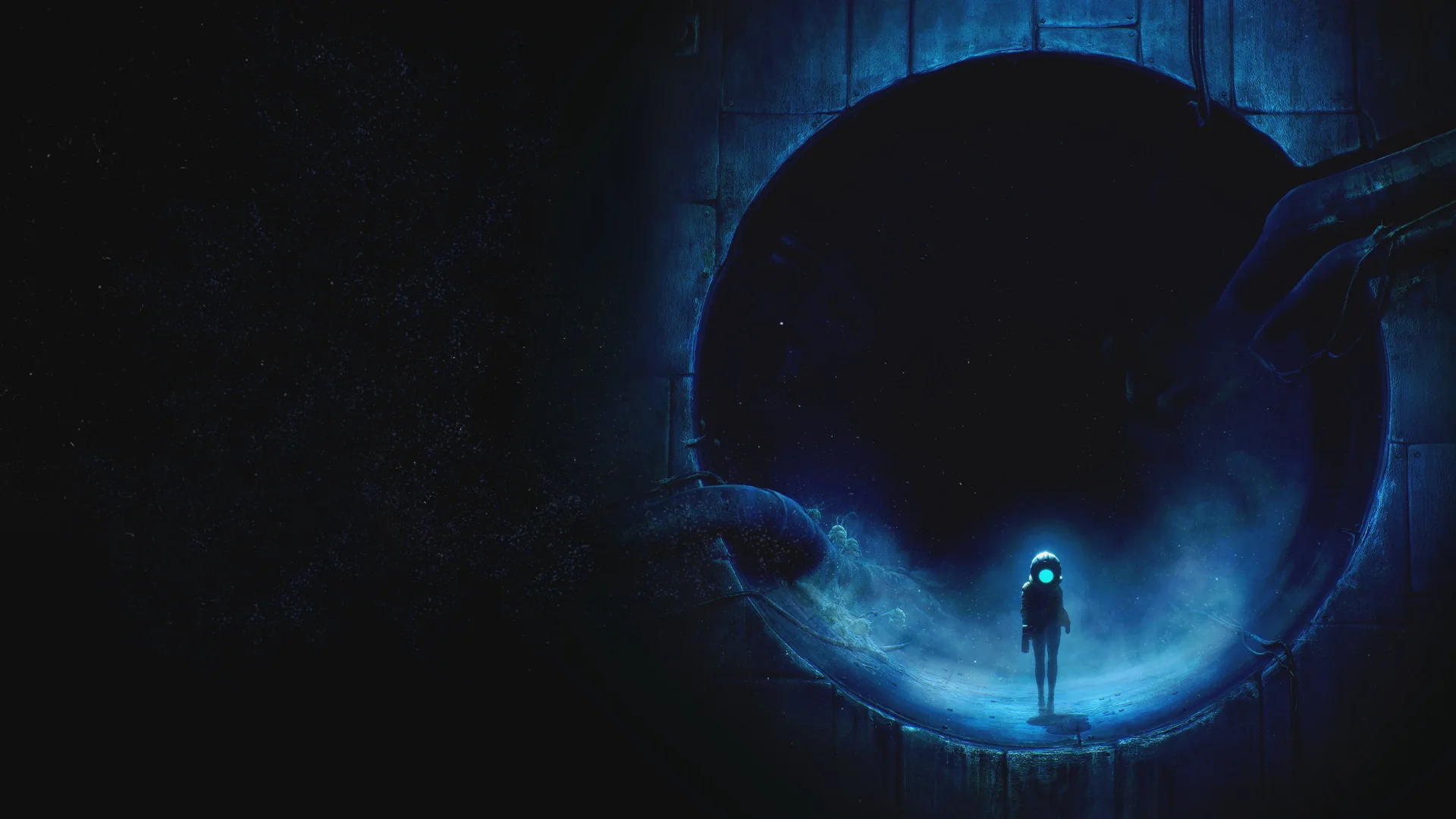
Cel at a facility entrance, from the official PlayStation game page.
Section 9 Interactive / Epic Games · official game media · Source ↗ · Enlarge ↗
Section 9 lists PS5 01.017.000 and Xbox Series/PC 1.0.1.7. It adds Waterworks SCU elevator call buttons and an Infirmary B2 escape lever, and fixes the Reactor elevator arrival fall. Map updates now include searched bodies without scanning and DSU unlocks from another level. These are developer-reported fixes; existing-save recovery is untested.
October 10: recovery for blocked F1 bridges and Power Cell 3 saves
The October 10 patch introduced these fixes in PS5 01.016.000, Xbox Series 1.0.1.6 or PC 1.0.1.6. Section 9 says already-retracted F1 encounter bridges should extend. For saves blocked after defeating the Centipede without activating Power Cell 3, loading the game should unlock the cell and allow progress.
This replaces the October 7 advice to await a planned patch. These are developer claims; Kingy has not tested an affected save or recovery after saving and reloading. Preserve your original save before checking recovery.
For demo saves carried into the full game, the patch should restore map areas with activated Map Stations. You still need to revisit rooms, and scanned items may need rescanning to update the map.
The elevator fall-through change is described as a potential fix. It does not establish that every fall-through case is resolved. Kingy has not tested either change.
Check a preserved affected save, then save and reload
This is a verification protocol, not a tested recovery walkthrough. The bridge and Power Cell 3 cases need separate affected saves; success in one does not prove the other.
Keep the original affected save intact. Make a separate backup or copy where your platform supports it; avoid overwriting your only preserved save during a test.
Record the platform, installed build and original blocker. The current documented builds are PS5 01.018.000 and Xbox Series/PC 1.0.1.8; the original recovery fix was introduced in the October 10 versions.
Load the affected save. For F1, record whether the bridges extend and the blocked route becomes usable. For the Centipede case, record whether Power Cell 3 unlocks and progress becomes possible.
If recovery occurs and the original is preserved, save the recovered state, reload it and check the same route or cell again. Record any return of the blocker; initial recovery alone does not verify persistence.
If the block remains, keep the save and report the platform, build and observed failure to Section 9. Do not describe a new playthrough or an untested workaround as recovery.
Door map icons now update when progression in another level unlocks a door. Scanned vent covers and hatches now appear on the map. Unique defeated enemies should be added to the Logbook automatically; previously defeated enemies should appear the next time that save is loaded.
These developer-reported changes are useful checks alongside your route notes. Kingy has not tested a bridge-after-death sequence, map icon update or restored Logbook entry on these versions.
The official listing connects the scanner to hidden areas and branching paths. In 4Gamer’s June 2026 demo, its broad beam highlighted interactable objects and items hidden in corpses.
In VDGMS’s June 12, 2026 interview, Section 9 cofounder Mattias explains that the scanner can tag a door and reveal information about what unlocks it. His example is a keycard: after acquiring the card, the player can see the associated door on the map. He also describes marking points of interest and checking them off to track progress.
This is the developer’s description of the preview system, checked against the interview transcript. A specific keycard location, scan button, map icon color and full door-to-keycard route have not been verified. The accompanying edited footage is not a continuous demonstration of those steps.
Scanner and tagging
At 4:49–5:22, Mattias describes tagging doors and matching an acquired keycard to its door on the map. June 12, 2026 interview; preview behavior, with exact build unknown.
Interview and edit: VDGMS. Game: Section 9 Interactive / Epic Games Publishing.
The June 2026 demo included a route that reopened access through the far side of a safehouse. Use the notebook to remember blocked paths; it does not supply an in-game map.
Describe the junction before leaving it.
Record what blocked the route.
Keep observations separate from guesses about the required upgrade.
Epic’s June 9 trailer coverage describes crossing large spaces with a grappling hook. Its acquisition point, eligible anchors and controller inputs are not established by that article. A visible gap alone does not identify a confirmed grapple route.
Sources · 6Official · Reported · checked 24 Oct 2026 · Research checked 24 Oct 2026
PlayStation game and accessibility listing ↗Earlier PS5 game listing, premise and accessibility reference. Current purchase and accessibility details are cited to the PS5 store listing below.Official ·
SGF 2026 developer interview and preview gameplay ↗Developer scanner/map explanation checked in the public English auto-generated transcript at 4:49–5:22; selected original gameplay frames visually inspected. The edited video includes different HUD layouts and development footage. Exact build unknown; no native play or complete boss defeat verified.Reported ·
Section 9 official patch history through October 23 ↗October 23 PS5 01.018.000 and Xbox Series/PC 1.0.1.8: equipment, map, progression and existing-save recovery claims; potential PC black-screen fix. Earlier patch statements retain their dates. Kingy has not tested a build or affected save.Official ·
Section 9 official patch history through October 23 ↗October 23 PS5 01.018.000 and Xbox Series/PC 1.0.1.8: equipment, map, progression and existing-save recovery claims; potential PC black-screen fix. Earlier patch statements retain their dates. Kingy has not tested a build or affected save.Official ·
Stuck? Tell us where
Say where you’re stuck in End of Abyss. You get one hint at a time from a published kingy.wiki guide, and the answer and its clip stay covered until you ask.
If nothing matches, we keep your words (without emails, links or long numbers) to decide which answers to write next. Privacy