
Controls, saving and languages
Quick answer
Move with W A S D, hold Shift to run, left-click to interact or attack, hold right-click to aim and press Tab for the inventory. To interact, face the object and stand right next to it. Save at the emerald fire bowls; the first is in Iván's study. Change language under Options › Language.
Checked 22 Oct 2026 · after patch 1.0.1 (18 Oct 2026)
Before you start
Default keyboard and mouse controls
Play starts a new game straight away, with no difficulty or save-file screen. These are the defaults on the Keyboard and Mouse screen, under Options › Keyboard.
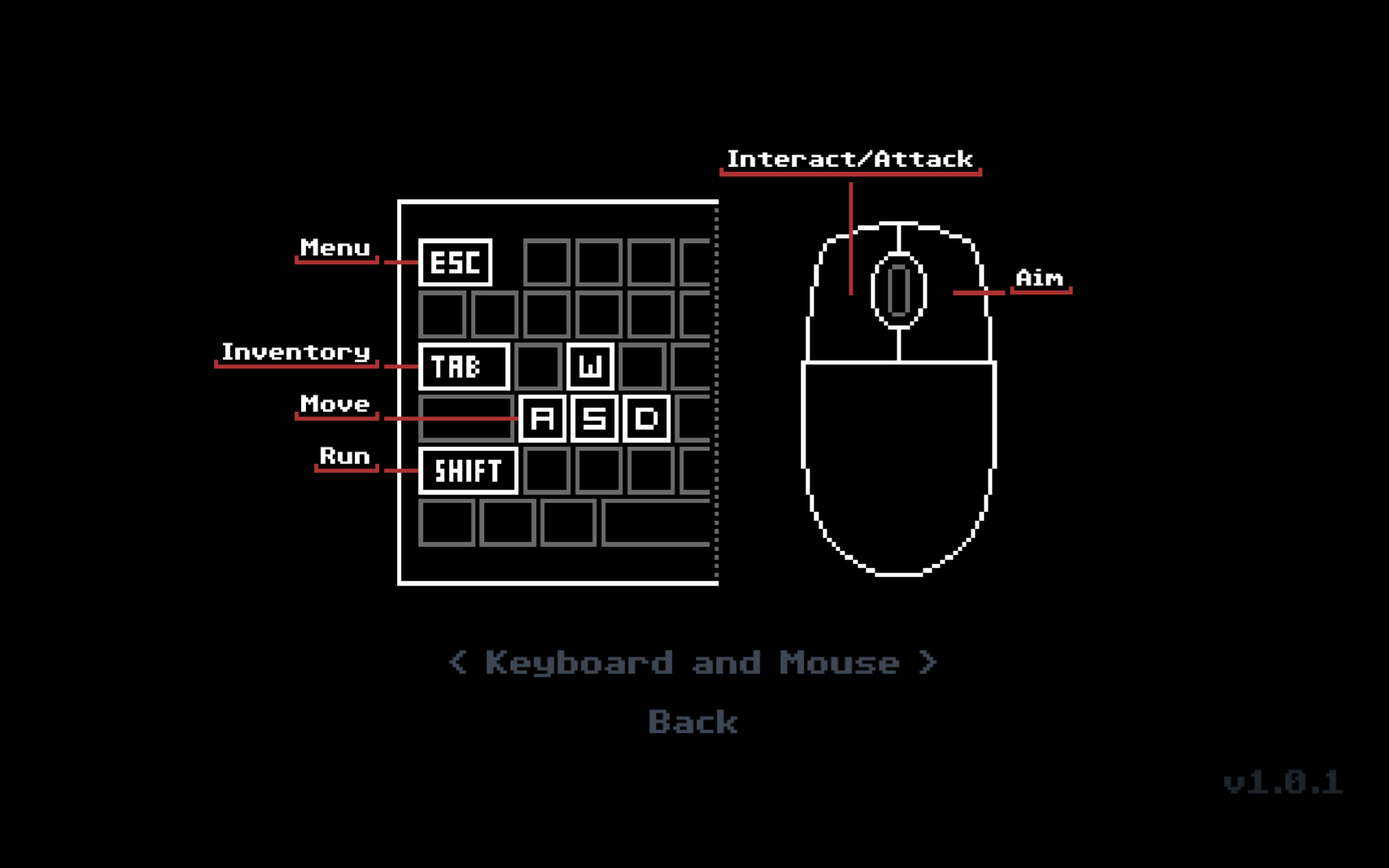
| Action | Key | Notes |
|---|---|---|
| Move | W A S D | While aiming, A and D turn you. The mouse cursor doesn't aim. |
| Run | Shift (hold) | Options has a Run toggle, off by default. |
| Interact / attack | Left mouse | Face the object and stand right next to it. |
| Aim | Right mouse (hold) | Needs a weapon equipped. |
| Inventory | Tab | Q and E switch between the Inventory and Old Book tabs. |
| Menu | Esc | In dialogue, Enter jumps to the end of the line, then advances. |
Sources for this section
- kingy.wiki: Kingy test run: version 1.0.1, new game to the first enemy fight · Checked 2026-10-19 · Published 2026-10-19
Face the object to interact
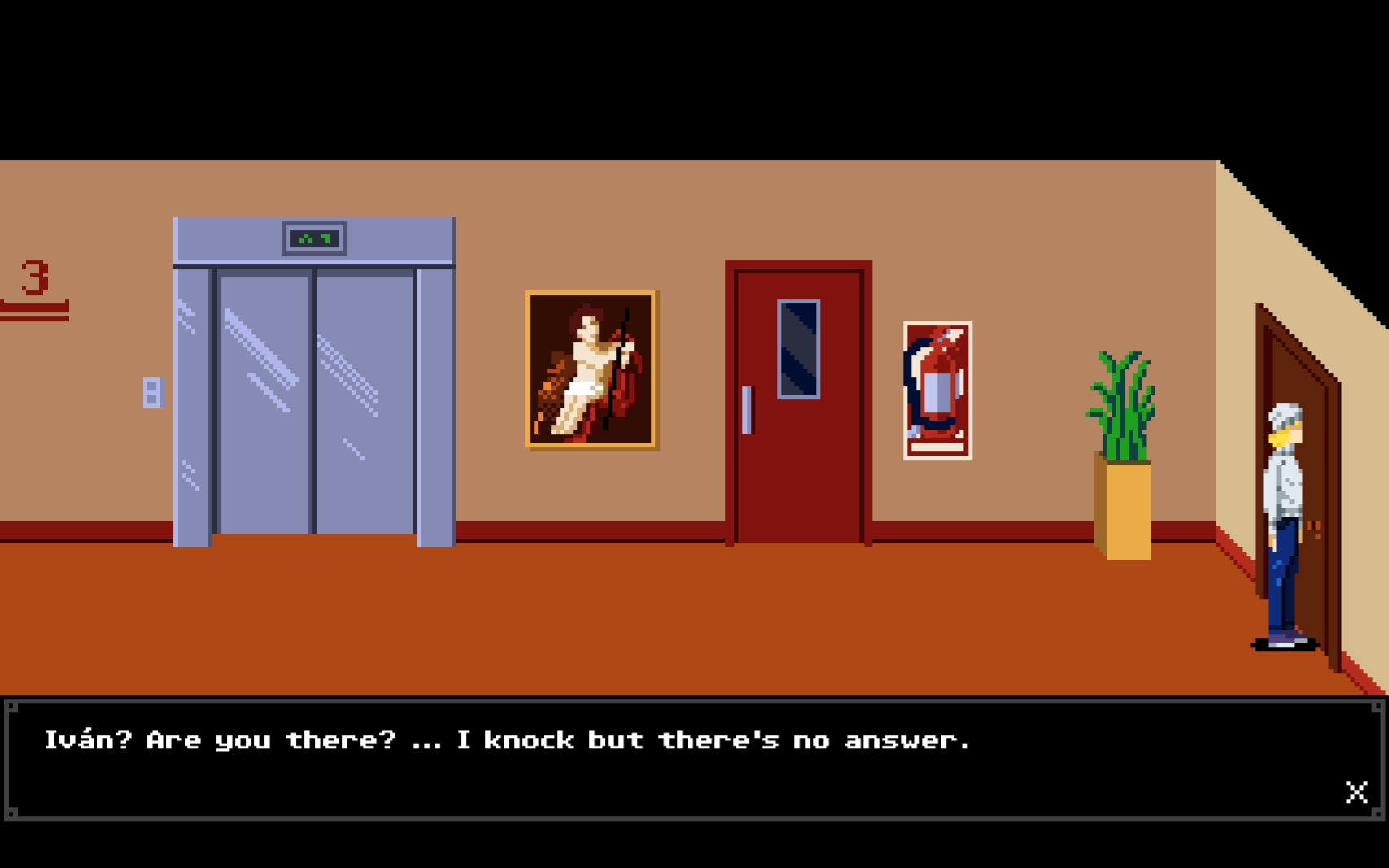
You have to face an object and be right next to it. Kingy tested this at a door without moving: clicking while facing away did nothing, and clicking while facing the door played the knock. A step back from the TV did nothing either, even while facing it.
Demo v0.4 introduced the same rule, and the full game keeps it. Many decorations don't respond at all, so a silent click doesn't always mean you're standing wrong.
Sources for this section
- kingy.wiki: Kingy test run: version 1.0.1, new game to the first enemy fight · Checked 2026-10-19 · Published 2026-10-19
- New Blood Interactive on Steam: DEMO Update + New Screens · Checked 2026-10-12 · Published 2025-02-24
Save at the emerald fire bowls
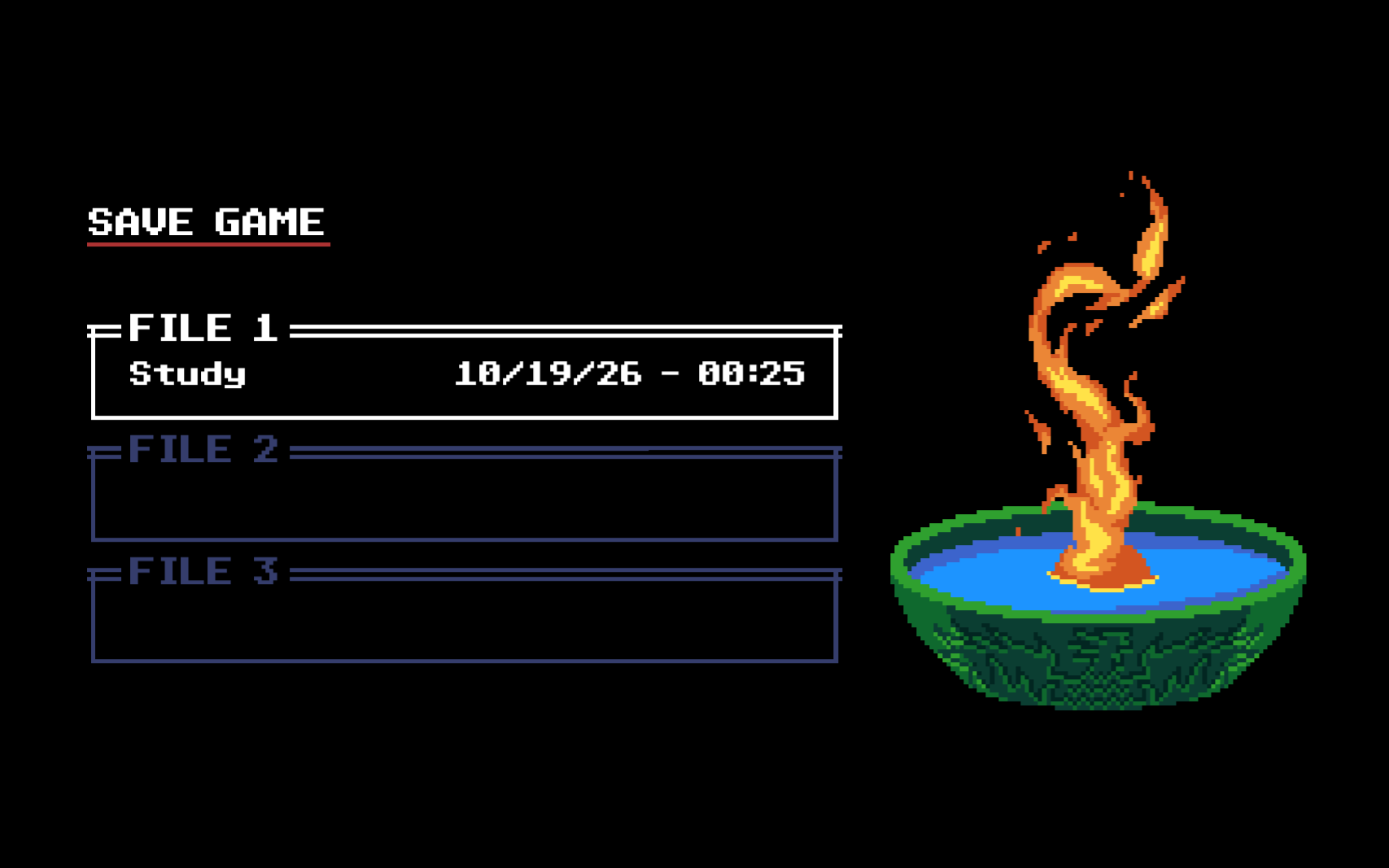
Interact with an emerald fire bowl to save. The first one is in Iván's study, which you open during the opening walkthrough. The save screen has three files and labels each one with the room name and a date.
Sources for this section
- kingy.wiki: Kingy test run: version 1.0.1, new game to the first enemy fight · Checked 2026-10-19 · Published 2026-10-19
If you die
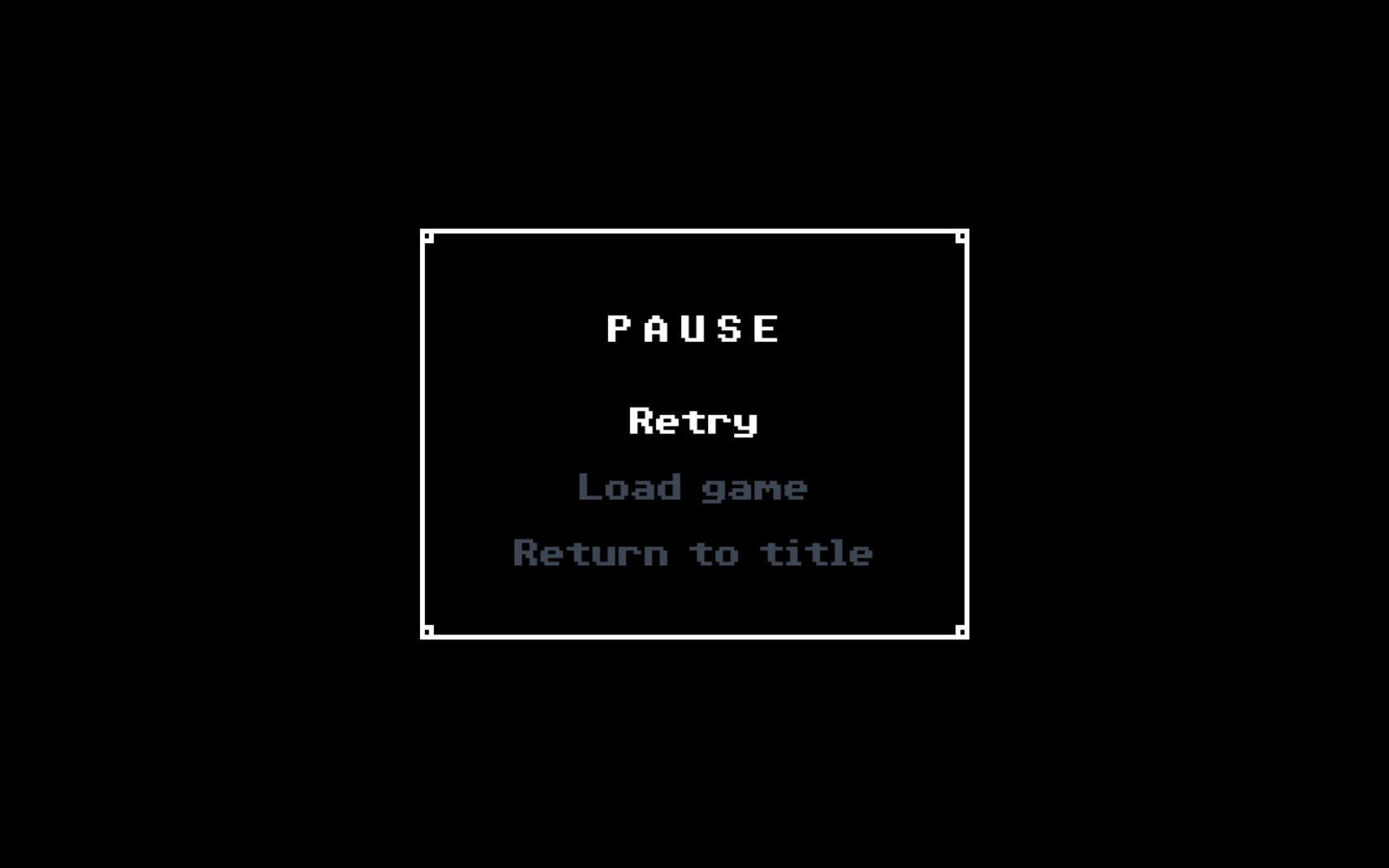
Dying shows the title SOMNIUM AETERNUM, then a menu with Retry, Load game and Return to title.
Retry reloads your latest save, manual or autosave. Anything you used after that save, such as a Lavendoleum, comes back, and any fight after it has to be won again.
Sources for this section
- kingy.wiki: Kingy test run: version 1.0.1, new game to the first enemy fight · Checked 2026-10-19 · Published 2026-10-19
- kingy.wiki: Kingy test run: version 1.0.1, the elevator and floor 2 · Checked 2026-10-21 · Published 2026-10-22
Change language
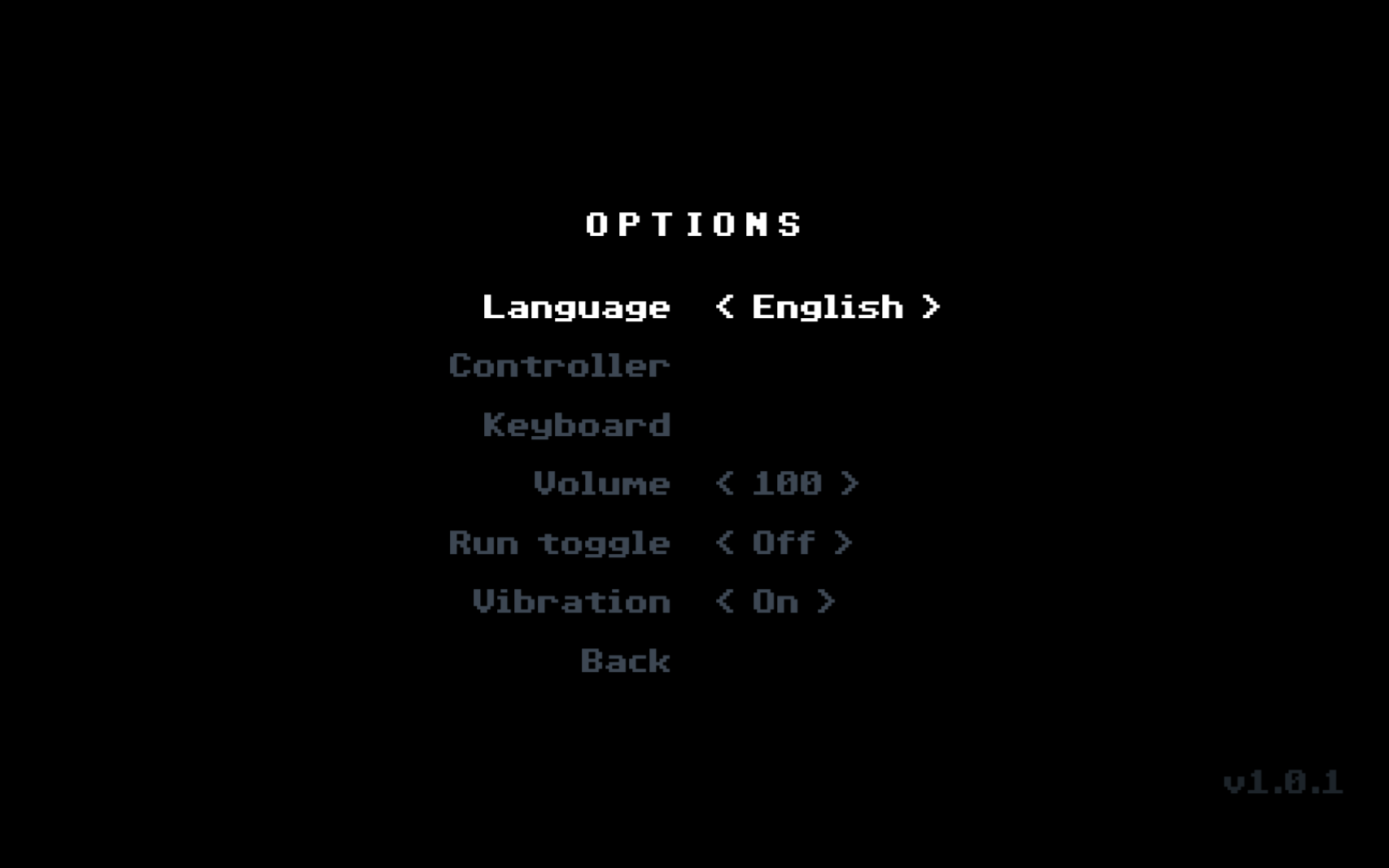
Pick English, Español, Português or 日本語 on the first boot screen, or change it later under Options › Language. Japanese adds the subtitle 暗闇の夢 to the title logo. The menu only says Português; the Steam store lists the language as Brazilian Portuguese.
Demo v0.4 removed the language option from the in-game menu. In the full game it is back, as the first row of Options.
Sources for this section
- kingy.wiki: Kingy test run: version 1.0.1, new game to the first enemy fight · Checked 2026-10-19 · Published 2026-10-19
- New Blood Interactive on Steam: Tenebris Somnia store page · Checked 2026-10-19
- New Blood Interactive on Steam: DEMO Update + New Screens · Checked 2026-10-12 · Published 2025-02-24