How to keep a save before a mission
- In free roam, before you start the mission, press Options on PS5 or the Menu button on Xbox.
- Choose Game → Save Game, select an empty manual slot and wait for the save to finish.
- Leave that slot alone as you play. If you’d rather keep one save per chapter, make it when you first get free roam in that chapter. You’ll need to play forward from that point to reach the mission.
If Save Game is greyed out during a mission, check again once you’re back in free roam. PowerPyx reports 15 manual slots at launch, so you can keep the saves you want to revisit and rotate a few other slots for everyday progress.
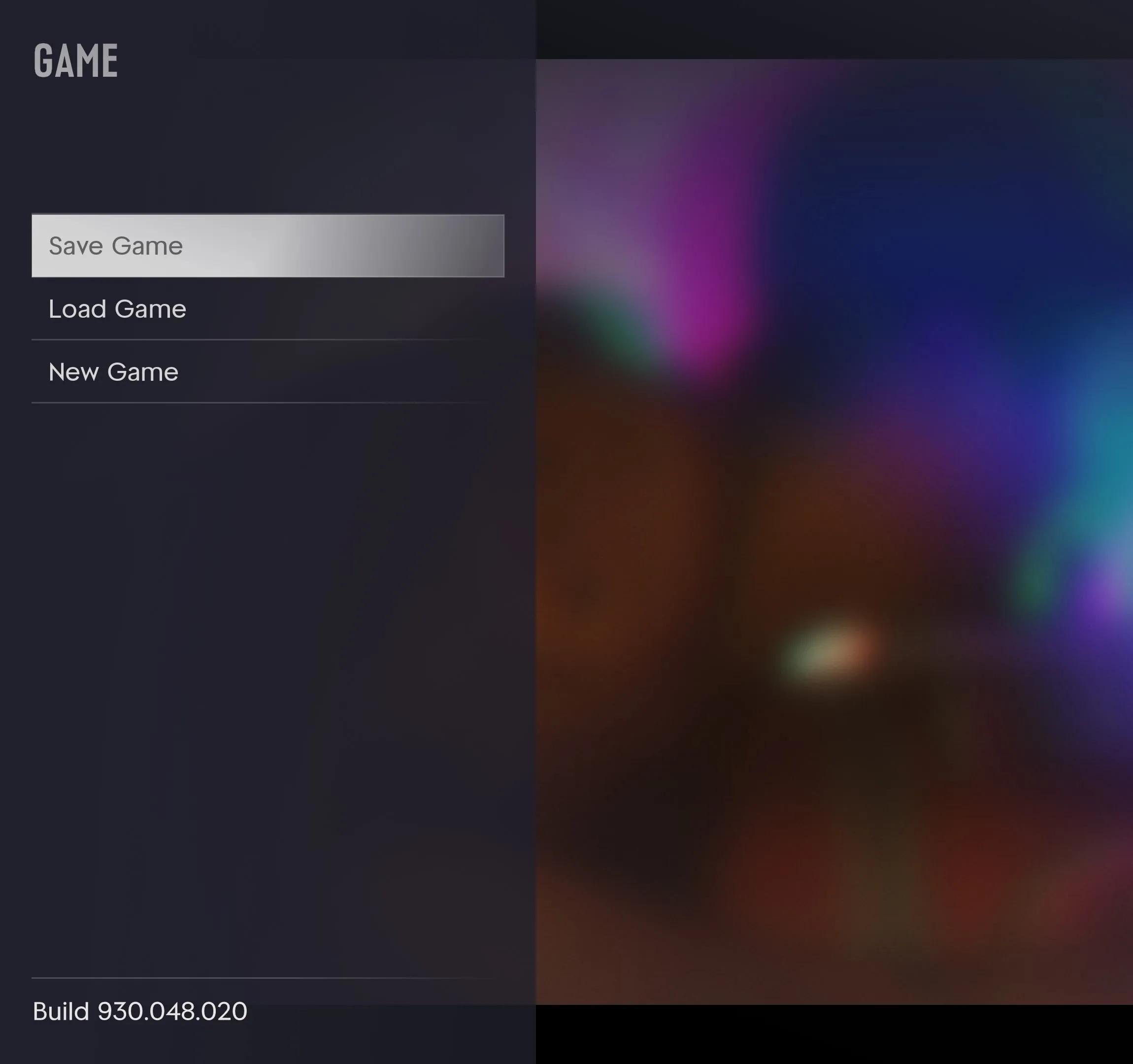
Save your current progress before you go back
PowerPyx reports that loading an earlier manual save can replace the autosave. If the autosave is your only recent copy, return to free roam and make a fresh manual save before loading anything.
- Save your current playthrough in a different manual slot from the one you kept before the mission.
- Go to Game → Load Game. Check the timestamps, then choose the older slot and play forward to the mission.
- To pick up where you left off, use Load Game again and select the newer manual slot you made in step one.
If you’ve already completed the mission and every available save is from after it, you can reach it again in a new playthrough. Keep your existing playthrough in its own manual slot before starting over.
How to save and quit safely · What to check if your save is missing
Sources
Launch sources checked November 18, 2026. This guide covers Story Mode on PS5 and Xbox Series X|S.