Step-by-step hints
Stuck? When can I safely quit GTA 6, and where do I resume?
Hint 1
Check whether Save Game is available in the pause menu under Game.
Hint 2
KeenGamer places the first manual save when Jason reaches his house at the marina after the opening job. An active mission can keep Save Game greyed out. Finish the current objective and check again in free roam.
Where do I resume when I load the game?
To return to the progress you chose, open Game → Load Game and select that manual slot. Later actions are outside that save. PowerPyx reports that loading an older manual save can overwrite the autosave, so keep your current progress in a separate manual slot before going back.
Closing the game during the prologue is a different case. Kingy has no quit-and-relaunch recording that establishes which opening checkpoints survive a full exit, the exact place your character appears, or a reliable number of minutes to the first save. If you need a dependable stopping point, wait until you can confirm your own manual save.
Where did my autosave go?
Open Pause → Game → Load Game to see the autosave and manual slots GTA VI can read. Look at the entries before confirming a load. If the game has sent you back to the opening, check this list before starting over.
- Save Game
- Writes your current progress to the manual slot you pick. Use a free slot if you want to preserve the saves you already have.
- Load Game
- Shows earlier saves you can open. Check the mission and timestamp on each available entry. PowerPyx found that loading an older manual slot can replace the autosave.
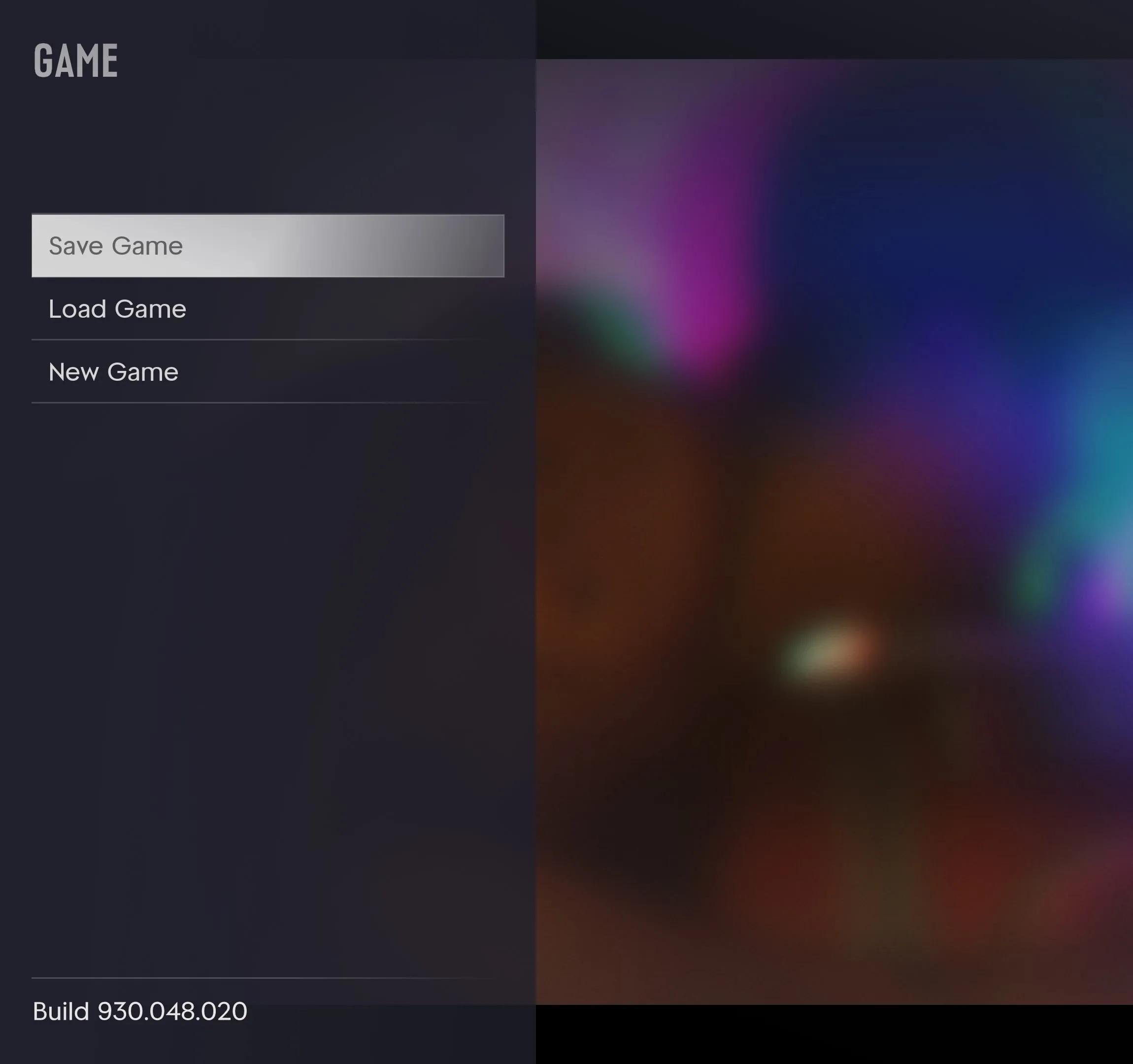
See the save menu and slots · Mr Lawrence, 0:08
If your newest progress is missing from the list, check the console account and sync status before downloading, replacing or deleting save data. See the PS5 and Xbox save recovery guide for the console checks.
PowerPyx’s launch save and load guide · PlayStation’s PS5 cloud storage instructions