Dark Trip controls, pills and evidence: how flat mode works
Quick answer
Hold the right mouse button to aim: your right hand becomes a pointer, and a left-click grabs or uses what it touches. A plain left-click or Space without aiming did nothing on the TV for us. Your gloves turn green when something is in reach. R cycles what you hold, including empty hands (the key bar lists E and R), Ctrl crouches, T opens the photo pad and Esc brings out the radio with the settings. Once you have the pill bottle (room 1), Q takes a pill: the room changes, and for us the effect was still on four minutes later. Going to the lab from the radio gave that room's pill back. The TV counter and the photo pad both show 18, and room 1 hides 3 pieces of evidence.
Before you start
Flat mode, the TV and the lab
With no headset connected, the launcher says no VR headset was detected and offers PLAY (no VR), RETRY VR, a language picker and EXIT. PLAY (no VR) starts the game with mouse and keyboard. The Steam listing also supports controllers and VR through SteamVR; we haven't tested either.
On launch build 1.0.149, Steam asks how to launch before any of that: Launch Dark Trip in Steam VR Mode, selected by default, or Play Dark Trip. Without a headset, choose Play Dark Trip. Our launch link sat on Launching until we answered that dialog from the game's Steam library page.
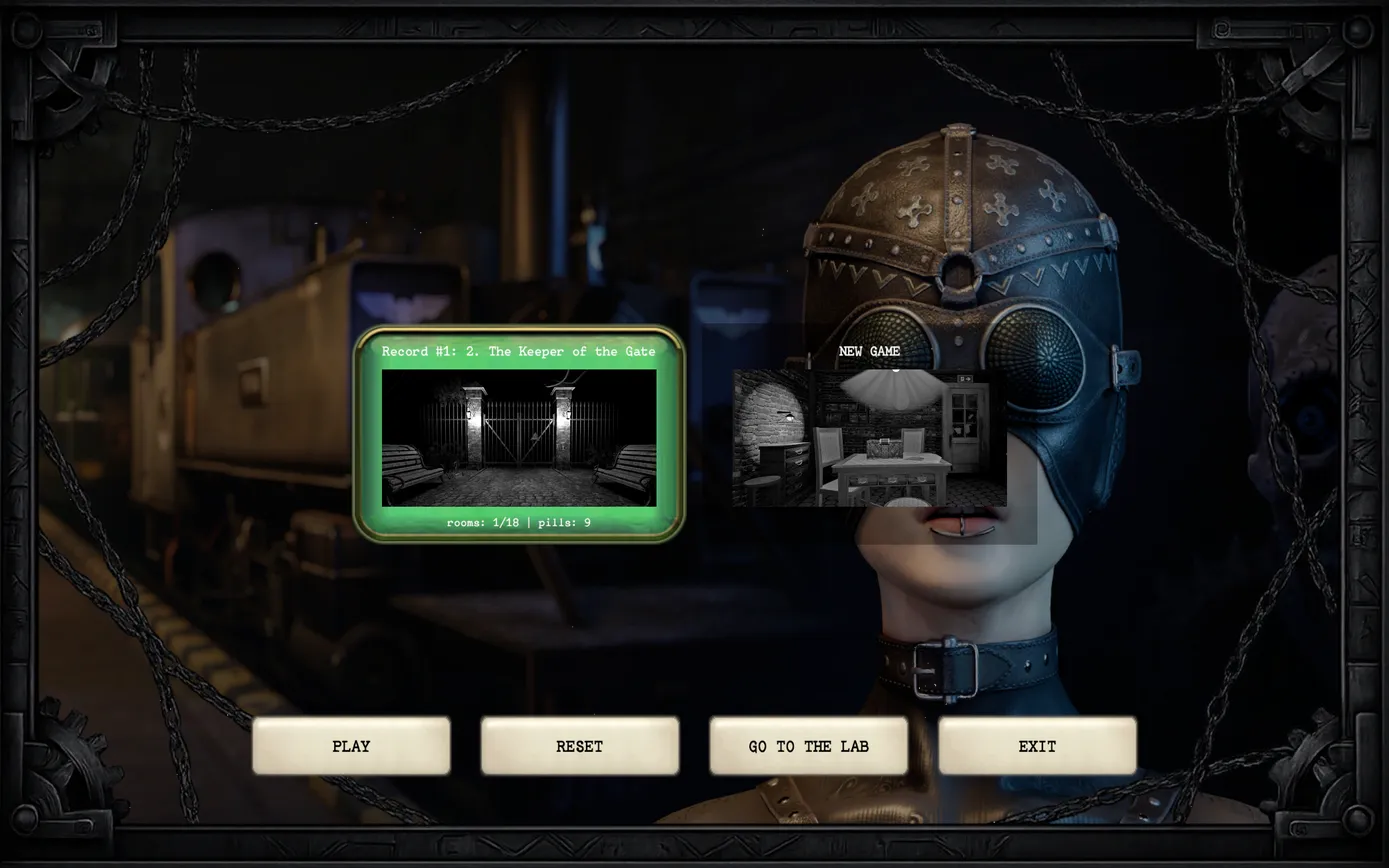
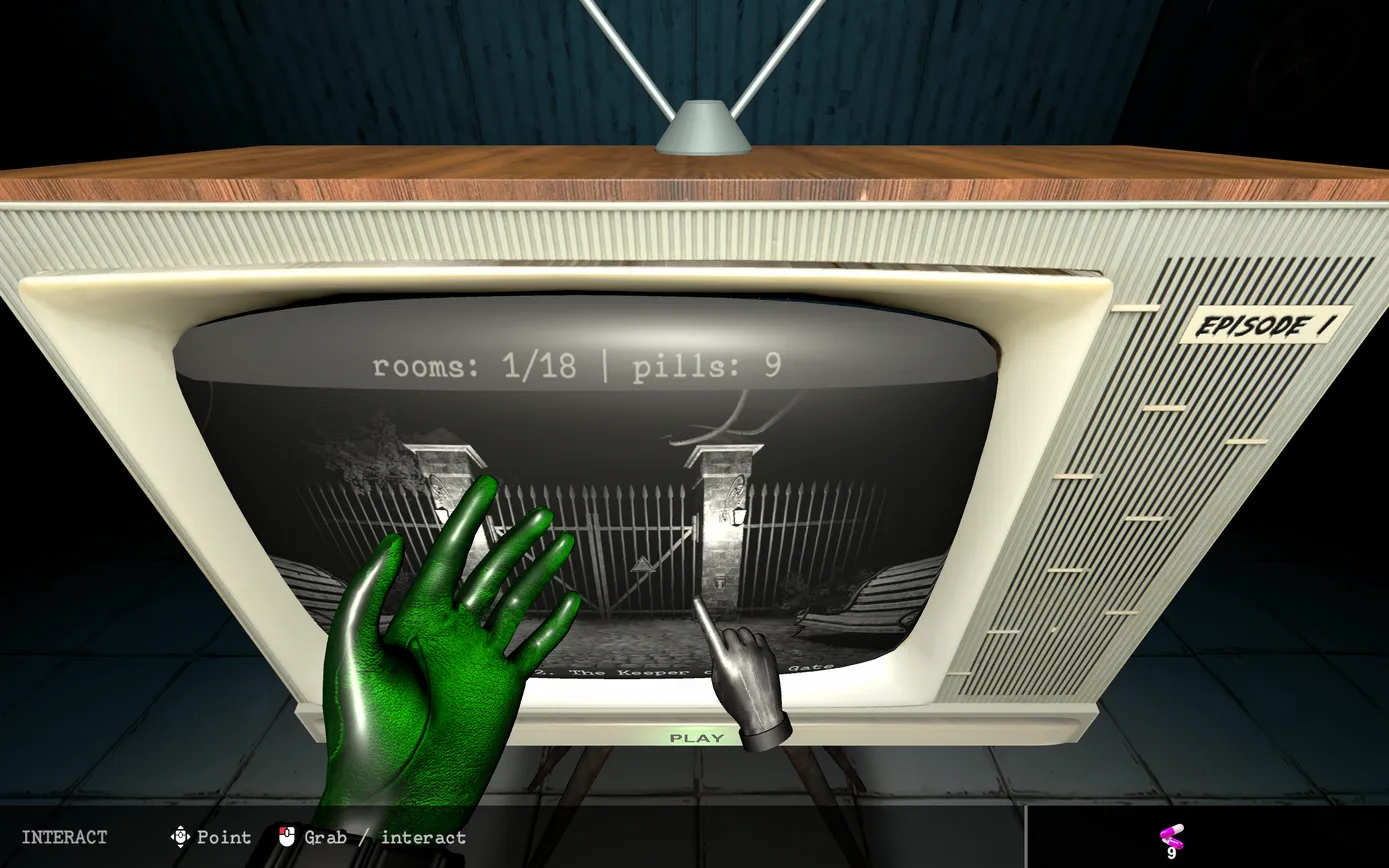
You start in the lab: a dark room with an old TV, an armchair and some machines. Aim at the green PLAY label under the TV screen and click (see below). Once you have a saved record, the screen counts rooms and pills; ours read rooms: 1/18, and the photo pad also has 18 pages. The Steam listing doesn't give a room count.
The TV menu shows your saved record next to a NEW GAME card (ours read Record #1: 2. The Keeper of the Gate after we reached room 2), with PLAY, RESET, GO TO THE LAB and EXIT. Pick a card, then PLAY.
Sources for this section
- iWorlds · developer-maintained Steam listing: Dark Trip on Steam · Checked 2026-10-31
- kingy.wiki: Kingy test run: build 1.0.147, controls, settings, room 1 three times and room 2 · Checked 2026-10-26 · Published 2026-10-26
- kingy.wiki: Kingy test run: launch build 1.0.149, room 1 · Checked 2026-10-31 · Published 2026-10-31
Keys while you explore
The bar at the bottom of the screen always shows the current keys. This is what each one did for us.
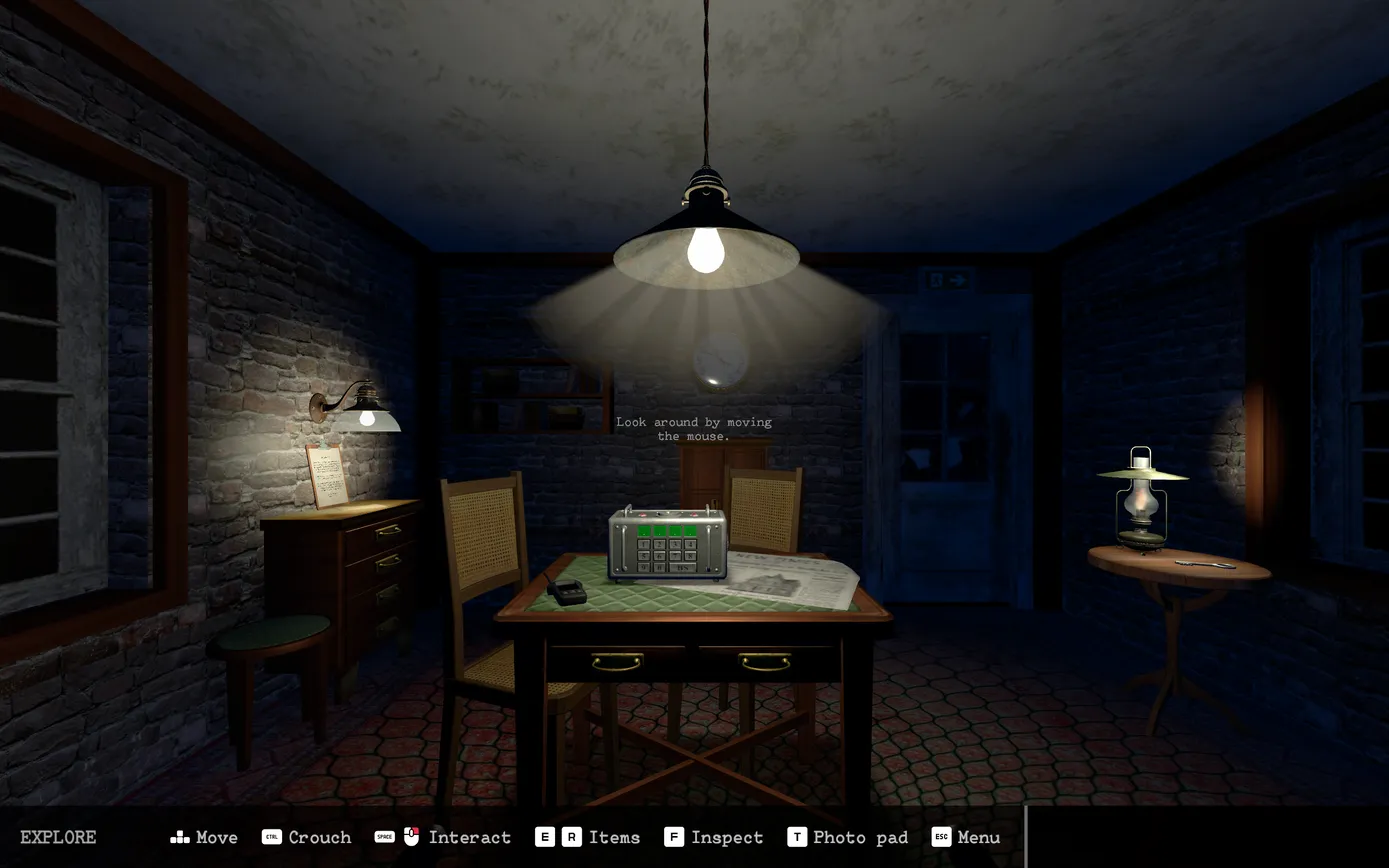
| Key | What it does |
|---|---|
| W A S D | Move |
| Mouse | Look around |
| Right mouse (hold) | Aim: your right hand becomes a pointer |
| Left mouse (while aiming) | Grab or use what the pointer touches |
| Ctrl | Crouch (press again to stand) |
| E / R | Cycle the item in your hands, including empty hands (we used R) |
| F | Inspect (key bar label); F closed the New Item Found close-up for us |
| Q | Take a pill (with the bottle in hand) |
| T | Photo pad: the evidence album |
| Esc | Bring out or put away the radio with the settings |
Sources for this section
- kingy.wiki: Kingy test run: build 1.0.147, controls, settings, room 1 three times and room 2 · Checked 2026-10-26 · Published 2026-10-26
Aim and grab: the one control that matters
Hold the right mouse button. The bar switches to INTERACT (Point, Grab / interact) and your right hand turns into a pointing finger that follows the mouse. Put the fingertip on the object and left-click. Release the right button and the mouse turns the camera again.
The bar lists Space as Interact too, but on the TV only aim-and-click worked for us. Get close first: your gloves turn green when something you can use is within reach.
Small targets such as keypad buttons are easier straight on. Crouch with Ctrl in front of them so the buttons face you, and check each digit after you press it.
Sources for this section
- kingy.wiki: Kingy test run: build 1.0.147, controls, settings, room 1 three times and room 2 · Checked 2026-10-26 · Published 2026-10-26
Items, inspecting and keypads
Pills and hallucinations
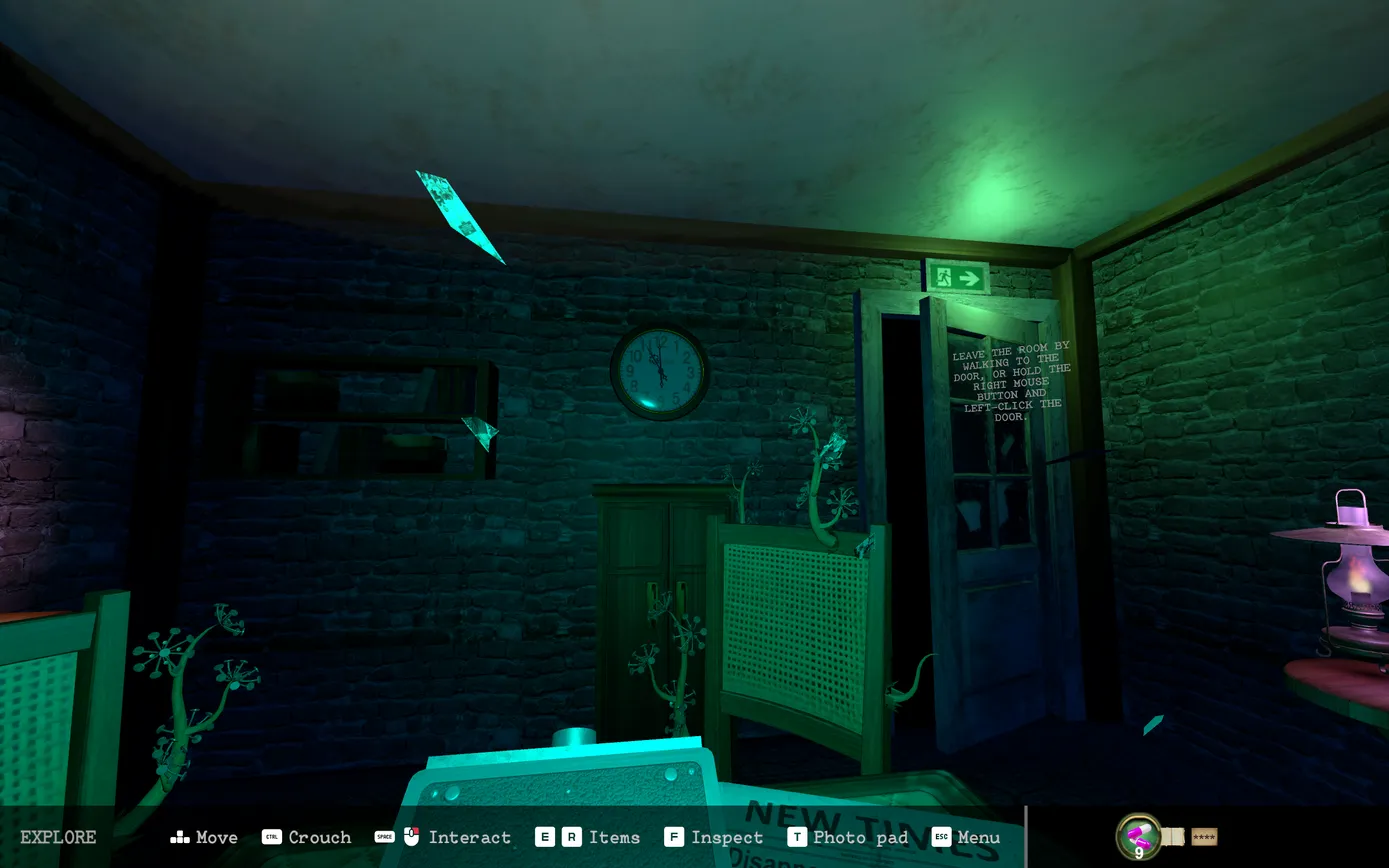
You find a pill bottle in room 1 with 10 pills; the count shows in the bottom-right corner. Holding the bottle, the bar shows Q Drink. Press Q to take one.
The room changes, not just the colours. In room 1 on launch build 1.0.149, walking into the exit door and clicking it did nothing until we took a pill. On pre-release build 1.0.147, vines and small floating shapes appeared around the room. In room 2 a knife switch on a pillar vanished and a blue triangle appeared on the gate, so a pill can hide things as well as show them.
In room 2 the effect was still on more than four minutes after the pill (we never finished that room), and pressing Q again with the bottle in hand did nothing. Leftover pills carry over to the next room, and the results screen records whether you used one.
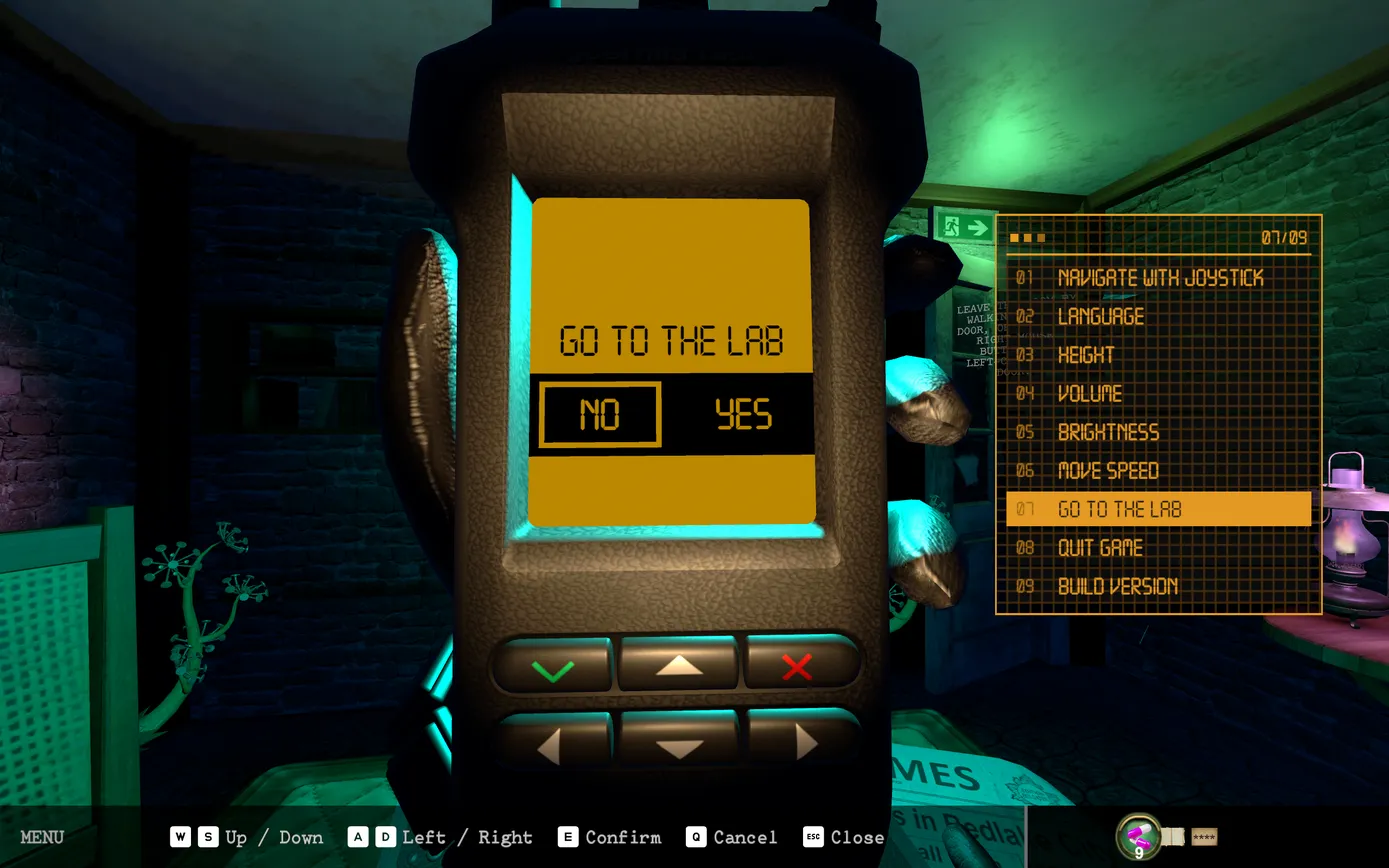
Changed your mind? Esc, then Go to the lab, YES takes you back to the TV room and gave the room's pill back for us (8 back to 9). PLAY then restarts that room from the beginning, sober.
Sources for this section
- kingy.wiki: Kingy test run: build 1.0.147, controls, settings, room 1 three times and room 2 · Checked 2026-10-26 · Published 2026-10-26
- kingy.wiki: Kingy test run: launch build 1.0.149, room 1 · Checked 2026-10-31 · Published 2026-10-31
- iWorlds · developer-maintained Steam listing: Dark Trip on Steam · Checked 2026-10-31
Evidence and the photo pad
Room 1 has 3 pieces of hidden evidence. Its results screen showed how many we found out of 3, the total so far, whether we used pills, the pills left and the time spent. We haven't reached another results screen yet, so we can't confirm the count for other rooms.
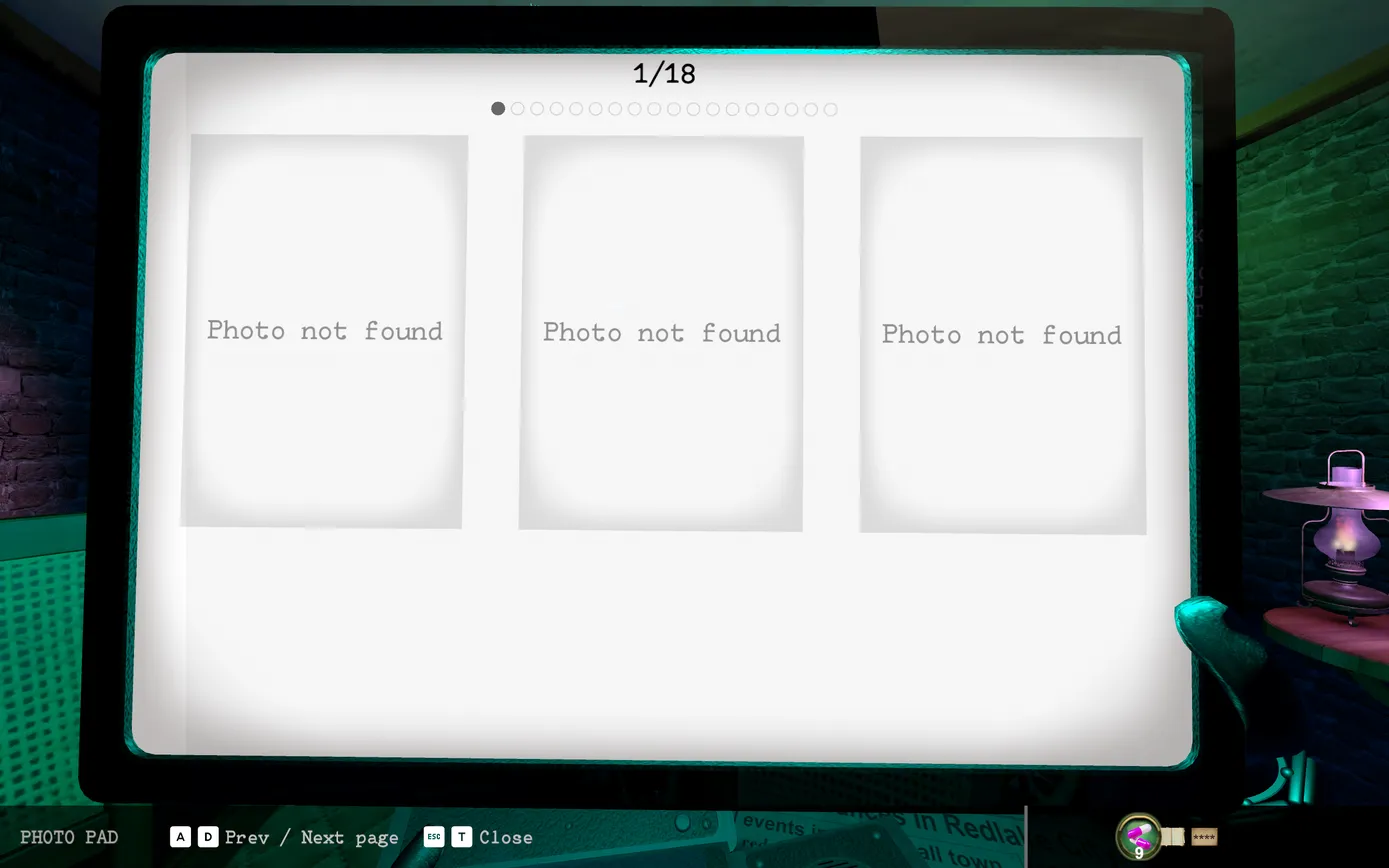
T opens the photo pad: its page indicator shows 18 pages of 3 slots, matching the TV counter, and the slots on page 1 all read Photo not found. We finished room 1 four times with 0 of 3 evidence, so we can't yet say where it is or confirm that evidence fills these slots.
Rooms also hold items for the lab, shown as New Item For The Laboratory when you pick one up. In room 2 we took a green canister with a hazard label from the seat of the bench by the left gate pillar; it only came within reach from right beside the bench. We haven't seen what it does in the lab.
Sources for this section
- kingy.wiki: Kingy test run: build 1.0.147, controls, settings, room 1 three times and room 2 · Checked 2026-10-26 · Published 2026-10-26
- kingy.wiki: Kingy test run: launch build 1.0.149, room 1 · Checked 2026-10-31 · Published 2026-10-31
Settings on the radio
Esc brings out a handheld radio with 9 screens. The bar lists W and S to move between screens, A and D for left and right, E to confirm and Q to cancel; D raised Brightness for us.
The screens are Navigate with joystick (help text), Language (13 languages), Height, Volume, Brightness, Move speed, Go to the lab, Quit game and Build version. Brightness starts at the middle; we turned it up near the top because room 2 is a night garden and very dark.
Sources for this section
- kingy.wiki: Kingy test run: build 1.0.147, controls, settings, room 1 three times and room 2 · Checked 2026-10-26 · Published 2026-10-26