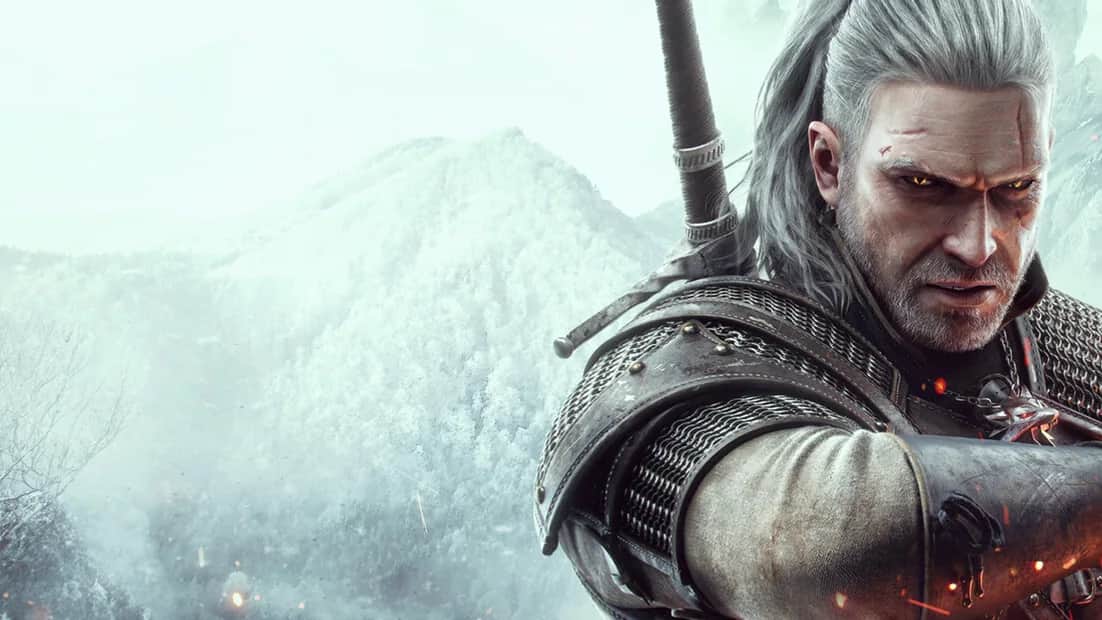
Switch 2 patch 5.01: new graphics options, fixes and a safe save check
Quick answer
Patch 5.01 began rolling out to the Switch 2 version on October 19 in most regions; the Japanese version follows after certification, with no date given. It adds Bloom, Light Shafts and Depth of Field options to the graphics settings, adjusts image sharpening and resolution, fixes a rare crash when changing regions and fixes a save-data issue, with measures for saves already affected. The policy consent screen appears again after updating because of a backend issue, so you need to confirm your choice once more. CD Projekt Red gives no recovery steps for damaged saves, and Kingy has not tested the patch.
Check that your Switch 2 copy shows version 5.01 before comparing behavior; Japanese copies may still be waiting.
Keep your existing save slots. Use a new manual slot for any test.
1
Rollout: most regions now, Japan after certification
CD Projekt Red announced on October 19 that 5.01 for the Switch 2 version was rolling out and would reach most regions that day. The Japanese version follows once it passes certification; no date is given. If your console does not offer the update yet, the fixes below do not apply to your copy.
This is the Switch 2 counterpart of the 5.01 patch that reached PC, PS5 and Xbox Series X|S on October 8. The shared fixes (combat, UI, audio and the save-data fix) appear in both notes; the graphics options and the Switch 2-specific list below are what this release adds for Switch 2 players. Ukrainian text is now available in all regions.
The notes do not separate handheld and docked play, and they publish no resolution or frame-rate targets. Kingy has not compared the modes. To see what an option does, change one setting at a time and look at the same place in both modes.
Change
What the notes say
What to check
Bloom, Light Shafts, Depth of Field
New options in the graphics settings
Toggle one at a time in the same scene, docked and handheld
Bloom, tone mapping, character lighting
General visual adjustments
The game can look different after updating even if you change no options
Image sharpening and resolution
Switch 2-specific adjustments for clarity and fidelity
The save-data fix, and a safe way to check your saves
The notes say 5.01 fixes an issue that could affect save file data and adds measures for saves that may already have been affected. They do not describe the issue, say which saves qualify or give players any steps, so a damaged save is not guaranteed to come back. Kingy has not performed the check below.
Update to 5.01 and confirm the version shown for the game.
Load your latest save, then make a new manual save in an empty slot instead of overwriting an existing one.
Return to the main menu and load the new slot. Check the location and your recent progress.
Close the game fully, reopen it and load the new slot again.
If a save fails to load or shows the wrong progress, keep every slot, note the slot and any message, and contact CD Projekt Red support.
Sources · 2Official · checked 20 Oct 2026 · Research checked 20 Oct 2026
CD Projekt Red: Switch 2 patch 5.01 rollout ↗Switch 2 patch 5.01 notes, re-read October 20: rolling out to most regions October 19, Japanese version after certification. Lists new Bloom, Light Shafts and Depth of Field graphics options, sharpening/resolution adjustments, a Dynamic Resolution Scaling artifact fix, a rare region-change crash fix, mod-cache, HD Rumble and map-pin fixes, the returning policy consent screen, Vizima reward-chest fix, the save-data fix with measures for affected saves, and Ukrainian text in all regions. No handheld/docked split, resolution or frame-rate targets, recovery procedure or Kingy installed-build test.Official ·
CD Projekt Red: patch 5.01 ↗October 8 patch 5.01 for PC, PS5 and Xbox Series X|S. Its then-pending Switch 2 update is superseded by the separate October 19 rollout notice. Save-data fixes are official claims, not a universal recovery guarantee.Official ·
Stuck? Tell us where
Say where you’re stuck in The Witcher 3: Wild Hunt — Remastered. You get one hint at a time from a published kingy.wiki guide, and the answer and its clip stay covered until you ask.
If nothing matches, we keep your words (without emails, links or long numbers) to decide which answers to write next. Privacy