What the three display effects look like
- Dark shading at the top or corners while the camera is still
- That fits the vignette Rockstar describes. Its art VP Michael Kane said the effect is intentional and gave no toggle. He also said Rockstar fixed a case where the effect became stronger than intended, without naming a build in the interview.
- Smearing as you move or turn the camera
- Open Pause → Settings → Display → Motion Blur Strength. Lower the slider and repeat the same camera turn. It controls the blur in movement.
- The whole picture is too dark or bright
- Look under Display for brightness calibration or HDR calibration, depending on your setup. Compare the same scene after adjusting it.
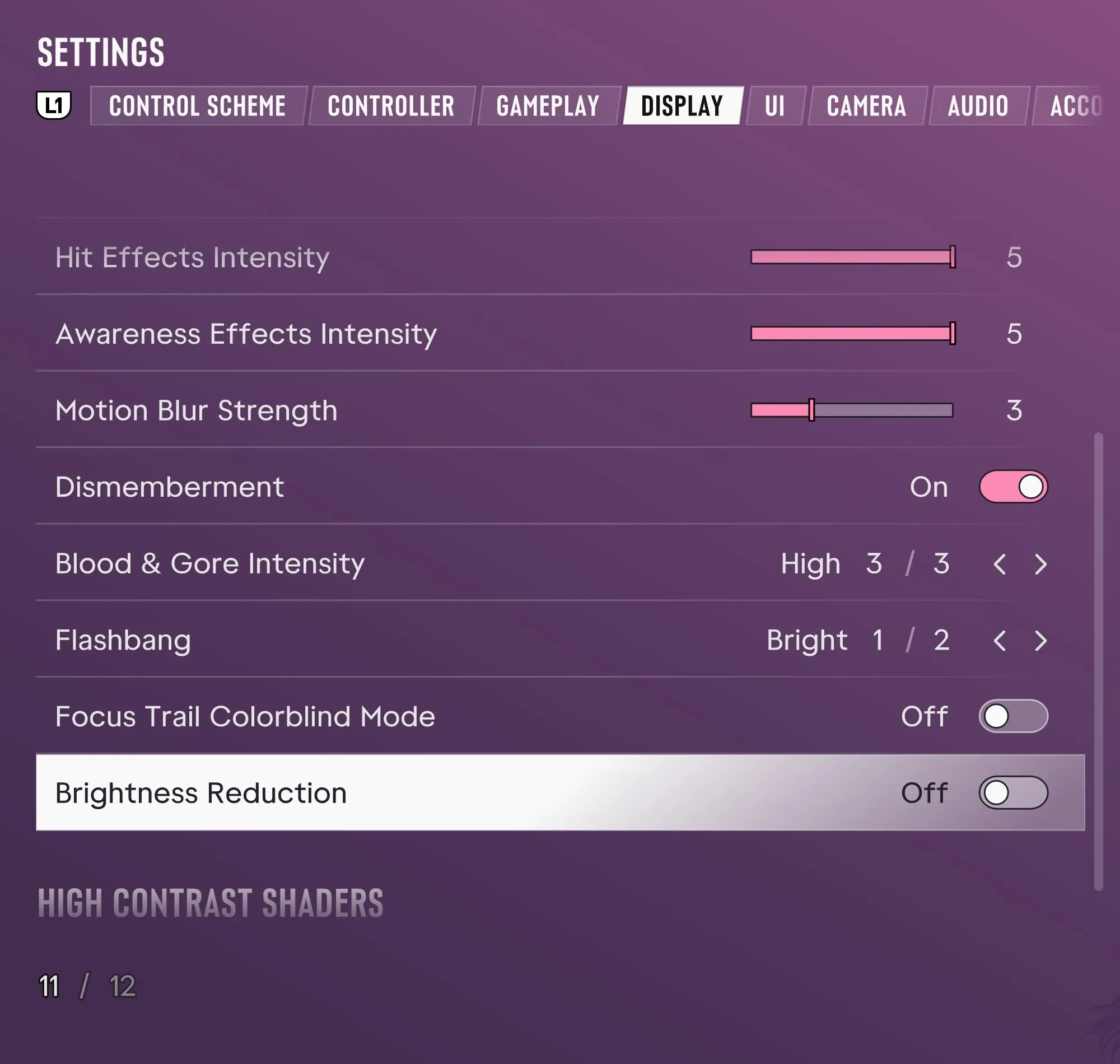
See the Display options · How to Everything, 0:46
If the shading abruptly gets stronger in one repeatable situation, capture the scene and note your platform and build. The Game menu shows the build in the PS5 screenshot.
Rockstar’s answer to Wccftech on the vignette · Rockstar’s settings guide · Xbox Series S player reports