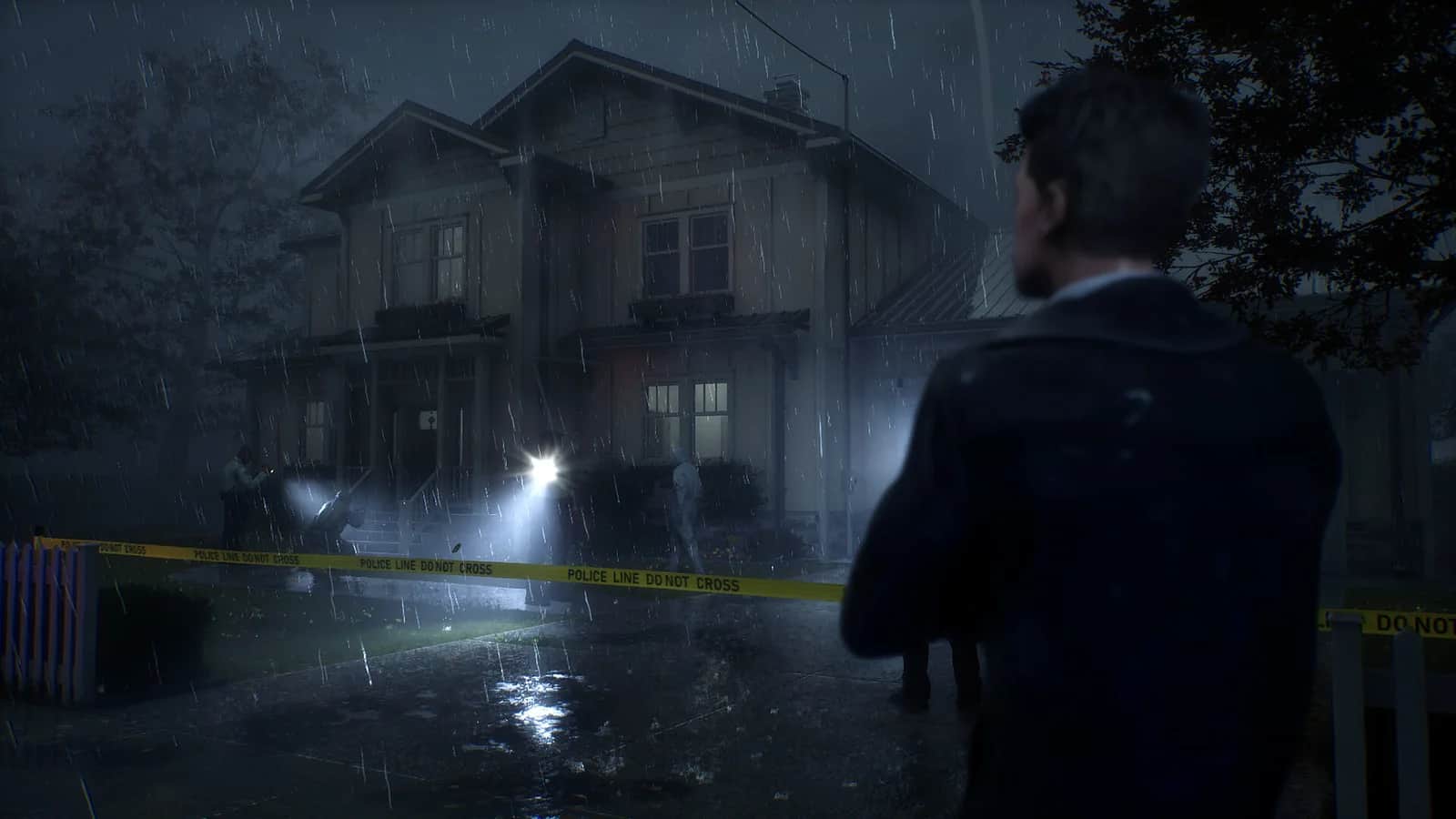
Rehaunted official cover art

UV light, camera, magnifier and evidence board

Quick answer

During a Haunting, photograph the entity to blind it, then run through it: that escape is documented in Update 01. Rebind tool shortcuts in Controls (Update 06). Kingy has not playtested either mechanic or verified a complete clue route.

Checked 9 Oct 2026 · after Update 07 (26 Sep 2026)

How this guide was checked

Coverage: Released · September 14, 2026 · latest numbered update: Update 07 (September 26) · October 28 Halloween recap adds no new update · sources checked November 4, 2026 UTC. Research checked 9 Oct 2026. Updated 20 Sep 2026

This guide uses the linked sources and any attributed demonstrations. Platform differences and limitations are noted with the advice they affect.

See the 6 sources
6 sources
5 steps
1

Start from the observed trace

The premise names blood traces, fingerprints, recordings and personal belongings as evidence. These categories do not identify every interactable object or prove a particular suspect’s guilt. Record the visible clue before attaching an interpretation to it.
Sources for this section
2

Tool reference

The store establishes the toolkit. Exact default keys, clue locations and required interaction order have not been verified here.

Tool or surfaceCurrent evidence
UV flashlightInvestigation tool; additional interactions described in the September 12 pre-launch post
MagnifierExpanded interaction system in the September 12 pre-launch post
CameraUpdate 01 describes photographing the entity to blind it, then running through it to escape
Evidence boardPart of the announced detective toolkit
Walkie-talkie / radioDialogue with another detective
Sources for this section
3

Escape a Haunting with the camera

Take a photo of the entity to blind it. After it is blinded, you can run directly through it, according to Cauchemar's September 14 Update 01. The stated collision change applies after the photo has blinded the entity.

Read the first Haunting tutorial before continuing. Update 05, dated September 16, pauses the game while those instructions are visible. This gives you time to read the mechanic before trying the photo-and-escape sequence.

If the entity still blocks you, Kingy recommends checking that Steam has installed the available updates before retrying. Record the installed build and whether the photo visibly blinded the entity if the problem persists. Exact camera bindings, blinding range and duration have not been tested here.

Sources for this section
4

Tool shortcuts, a stuck wheel and the UV tutorial

Open Controls to inspect or rebind the detective-tool shortcuts added in Update 06. The previous update mentioned number keys as an example of the planned system; that preview is not a verified default-key map for the shipped controls.

For a wheel that stays on screen or several tools appearing in the same hand, Update 06 reports fixes. For UV light failing in the tutorial, consult Update 03. Those fixes do not establish that every dark surface hides a clue or that an unresponsive tool proves a missed puzzle step.

Update 05 pauses the first Haunting tutorial while instructions are visible. Kingy has not reproduced these fixes or tested remapping on a keyboard or Steam Deck.

Sources for this section
5

A useful personal evidence note

Suggested format: room label, object, tool used, exact observation and unresolved question. Keep an interpretation on a separate line. The notebook on My progress stores your own observations locally; it does not confirm that a theory is correct.

Reveal video · horror imagery and story scenes

Metadata checked · footage interval not reviewed

A spoiler-limited opening excerpt from Max Horror’s full-game video. Open the original for the complete investigation.

Max Horror · 0:00–2:00 · Full video 59:20

Source & footage context

Community full-game video published 2026-09-14T15:00:20-07:00 with 10,409 views when checked. The first two minutes establish the current launch presentation; they do not prove puzzle solutions, item locations or every Update 01 behavior.

Source record ↗ · Checked 2026-09-15

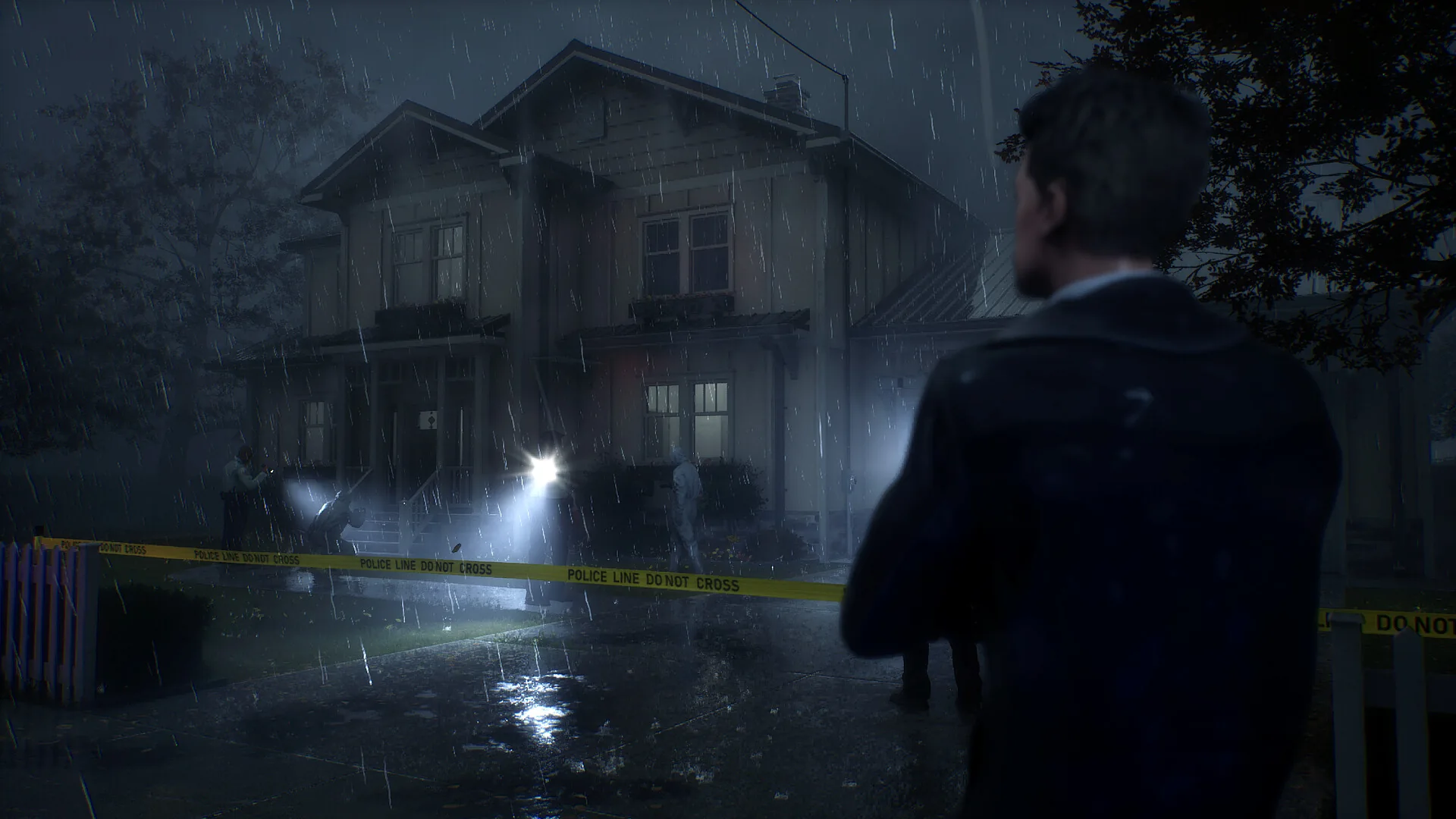
Preview artwork: Cauchemar · official game media. This is an illustration beside the video, not a frame from the selected timestamp.

The original creator hosts the recording. If playback is restricted, use the YouTube link.

Sources for this section

You’re ready when…

Your checklist

0 of 3 complete · Loading saved progress…

Sources · 6Official · checked 9 Oct 2026 · Research checked 9 Oct 2026
Steam store and release information ↗Current storefront; announced features are not independent playtests.Official ·
WE ARE FINALLY READY! ↗Dated announcement; later patches take precedence. Steam announcement 1843481262697454.Official ·
UPDATE 01 – First Fixes & Improvements ↗Official launch-day notes for the 0% shader screen's continue-to-Main-Menu option and first-launch-only scope, haunting spawn points, collision and tutorial duration. Developer-described; Kingy has not tested the bypass or photo-blind escape.Official ·
UPDATE 03 - Major Improvements & Overhaul ↗Original developer text read through the official Steam API, announcement 1843481262705296. Update label is not a verified semantic game version. Fixes and features are developer statements, not Kingy gameplay tests.Official ·
UPDATE 05 - Quality of Life & Haunting Tutorial ↗Original developer text read through the official Steam API, announcement 1844115010489992. Update label is not a verified semantic game version. Fixes and features are developer statements, not Kingy gameplay tests.Official ·
UPDATE 06 — Equipment shortcuts & More Fixes ↗Original developer text read through the official Steam API, announcement 1844115010493210. Update label is not a verified semantic game version. Fixes and features are developer statements, not Kingy gameplay tests.Official ·

Stuck? Tell us where

Say where you’re stuck in Rehaunted. You get one hint at a time from a published kingy.wiki guide, and the answer and its clip stay covered until you ask.

If nothing matches, we keep your words (without emails, links or long numbers) to decide which answers to write next. Privacy